Take your tabs with you
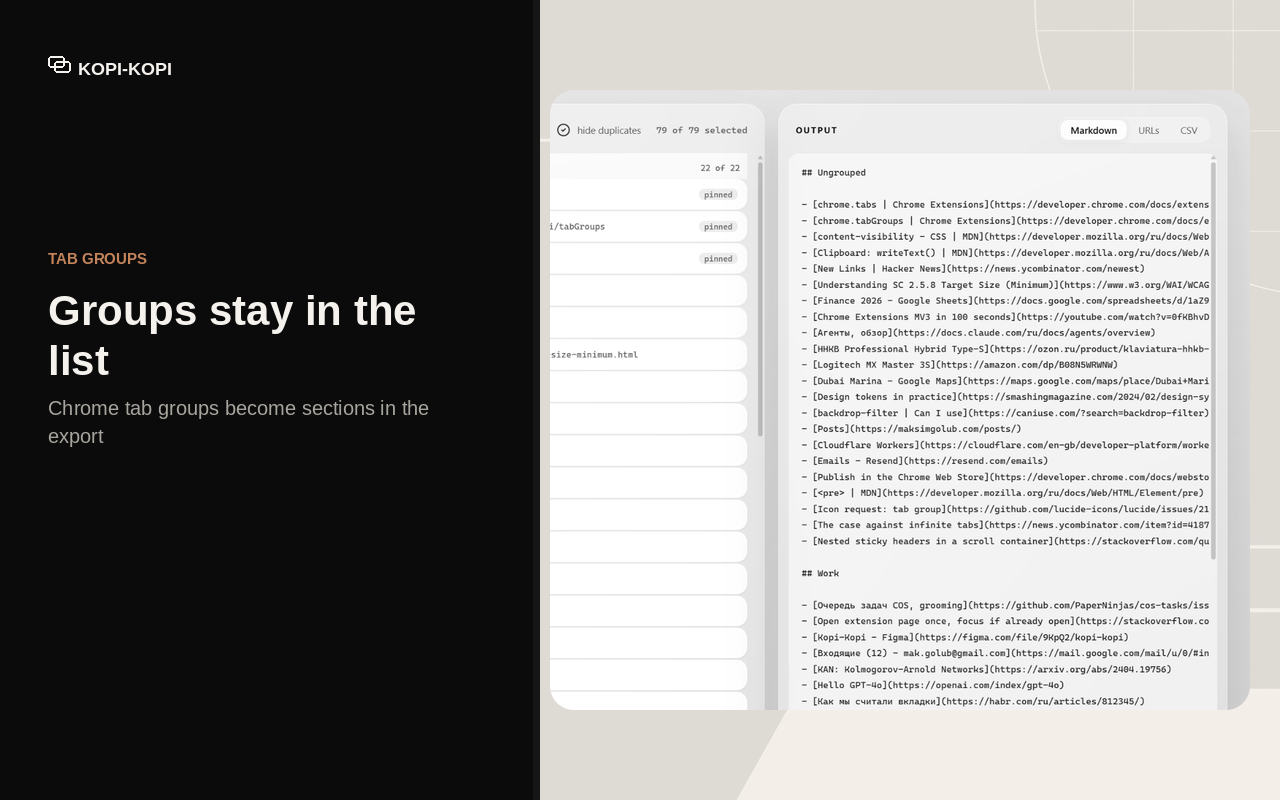
A Chrome extension that turns the open tabs of one window into Markdown links, plain URLs, or CSV. Tab groups are kept. Nothing leaves your machine.
Get Kopi-Kopi for ChromeFree. Local only, no host permissions.
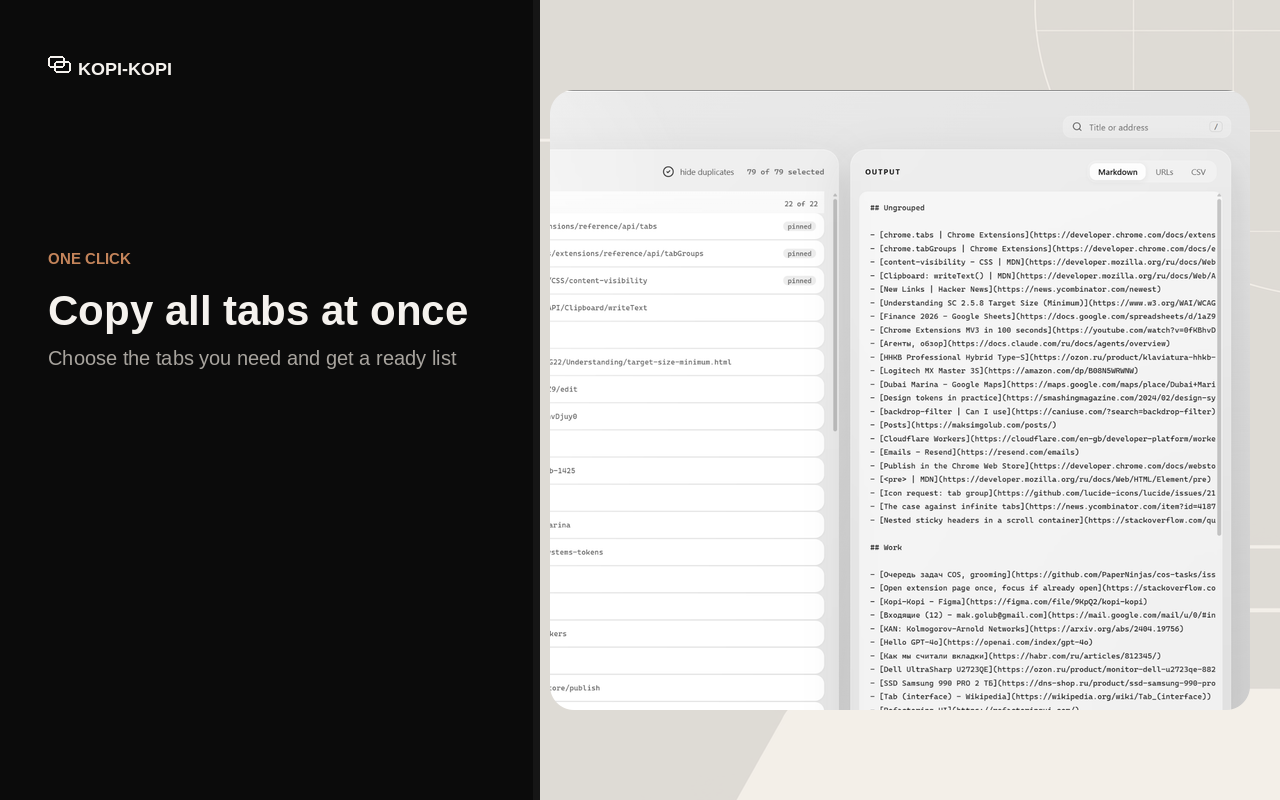
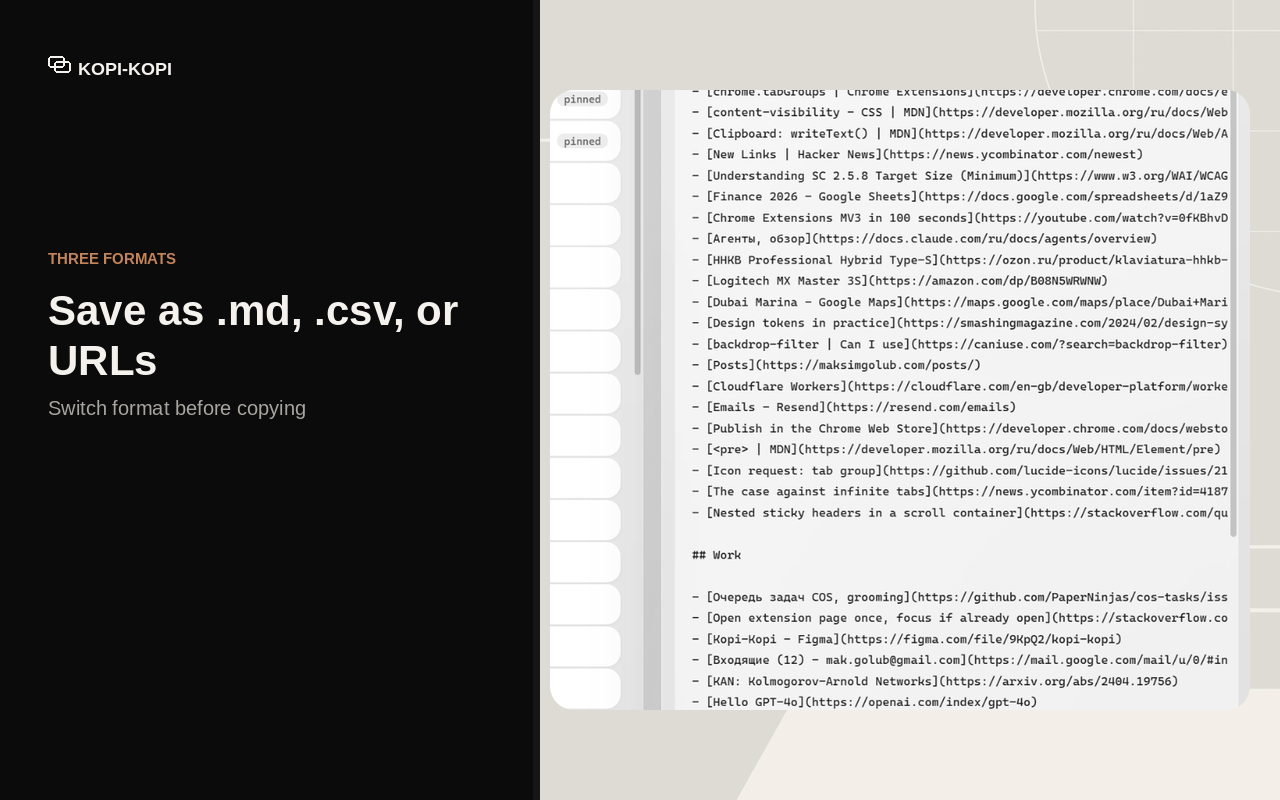
Three formats
Pick one before you copy. The preview shows exactly what lands on the clipboard.
Markdown links
For notes, Obsidian, Notion, or a message to a colleague.
- [Title](https://example.com)Plain URLs
One address per line, nothing around it.
https://example.comCSV
Title, address, group. Opens in any spreadsheet.
title,url,groupHow it works
One window at a time. What you see in the list is what you export.
-
Click the toolbar icon or press Ctrl Shift K.
-
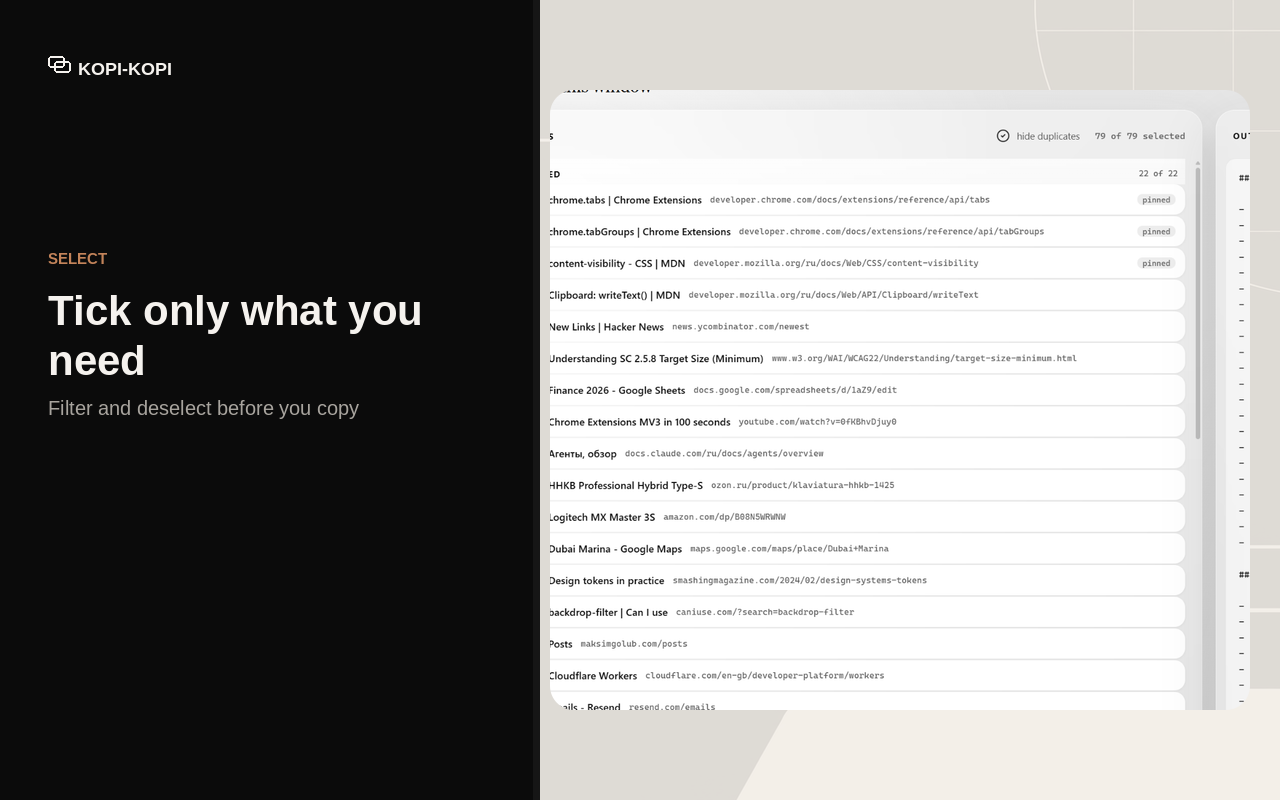
Search, untick, hide duplicates, or keep the whole window.
-
Copy to the clipboard or download a dated file.
The screens
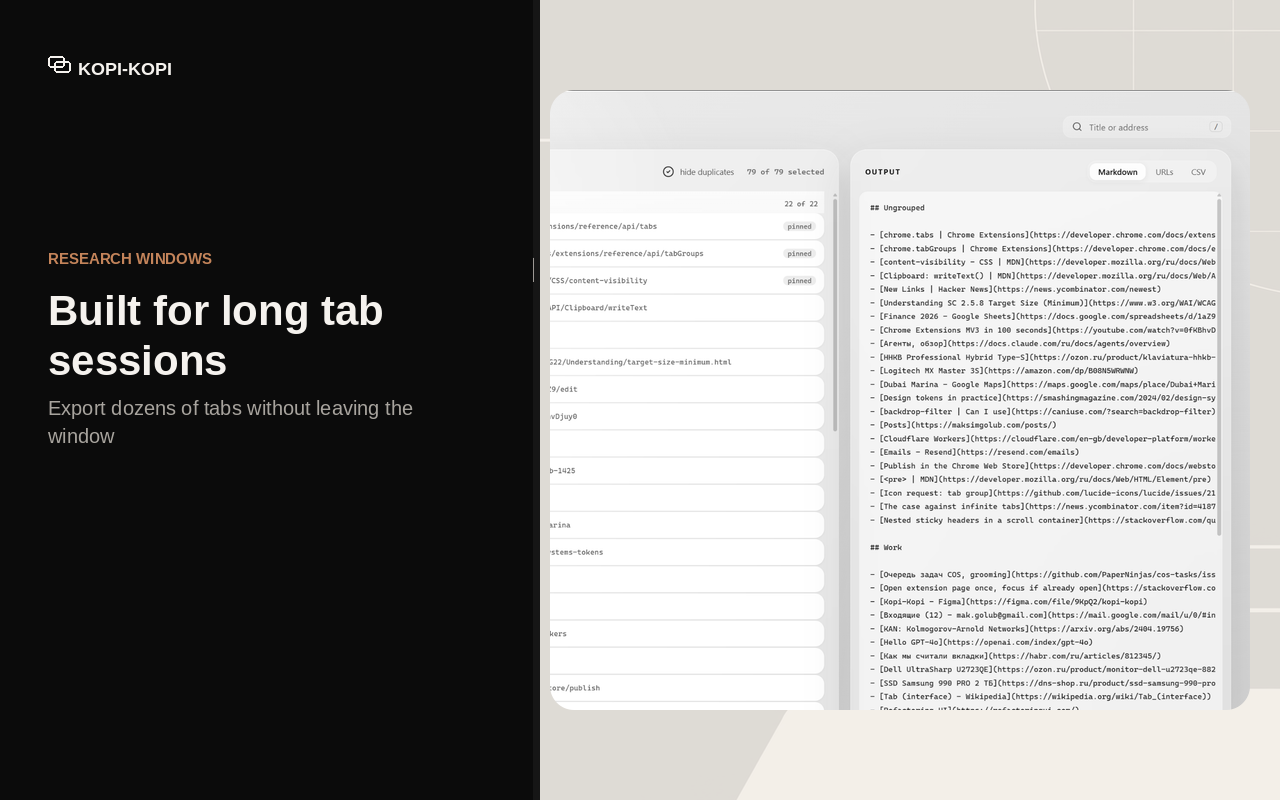
Every tab of the window on the left, the text it turns into on the right.
What it does not do
This list is about the extension. The website you are reading counts visits, the way most websites do.
- No host permissions. It asks for
tabs,tabGroupsandstorage, nothing else. - No network requests at all. There is no code path in the extension that reaches the internet.
- It does not read page content. Only the tab titles and addresses Chrome already shows you.
- It does not scrape links out of a page. That is a different job and a different tool.
- It does not reach into other windows. One window, the one you opened it from.
Your next research window, in one file
Get Kopi-Kopi for ChromeFree. Local only, no host permissions.