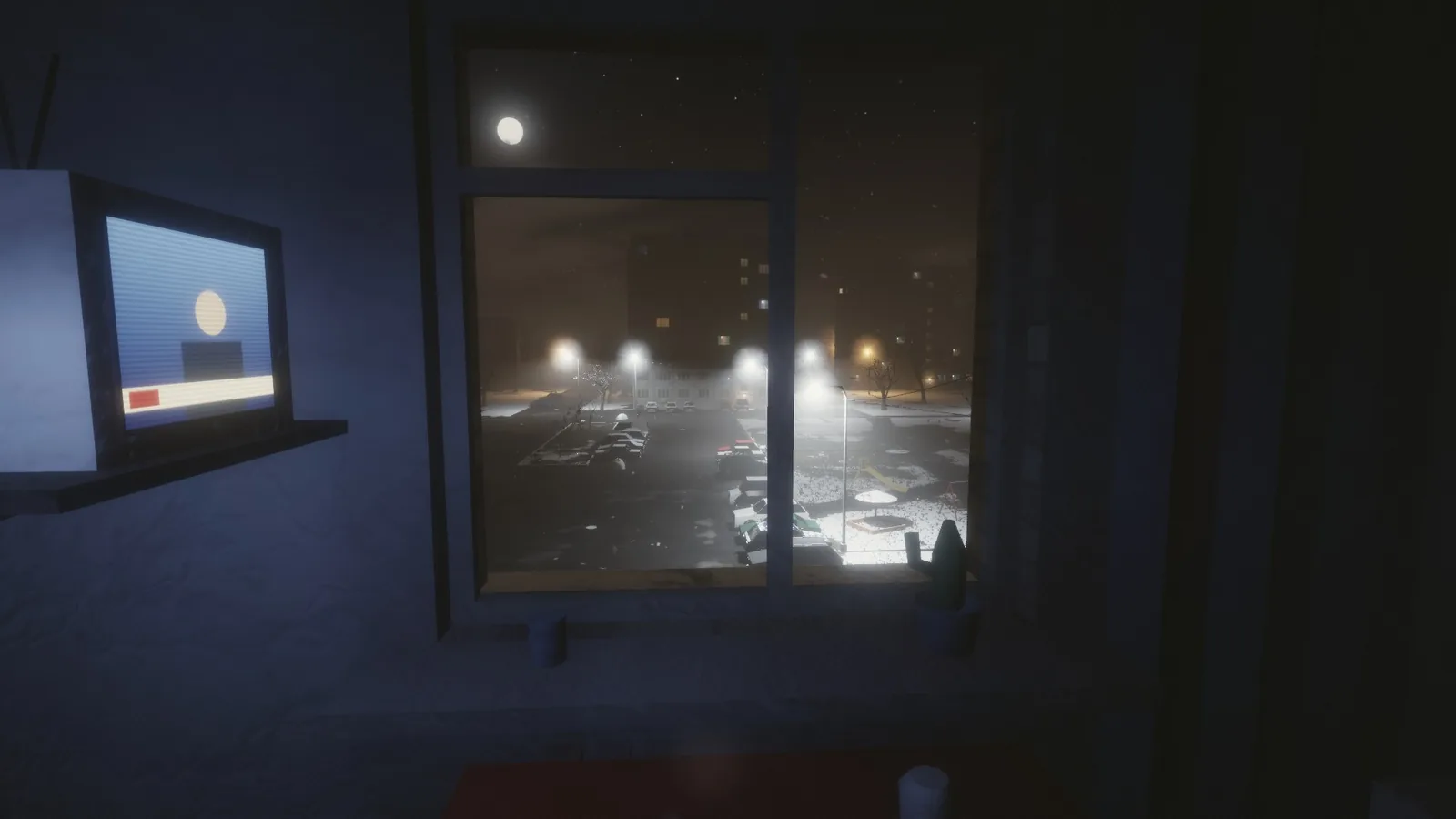
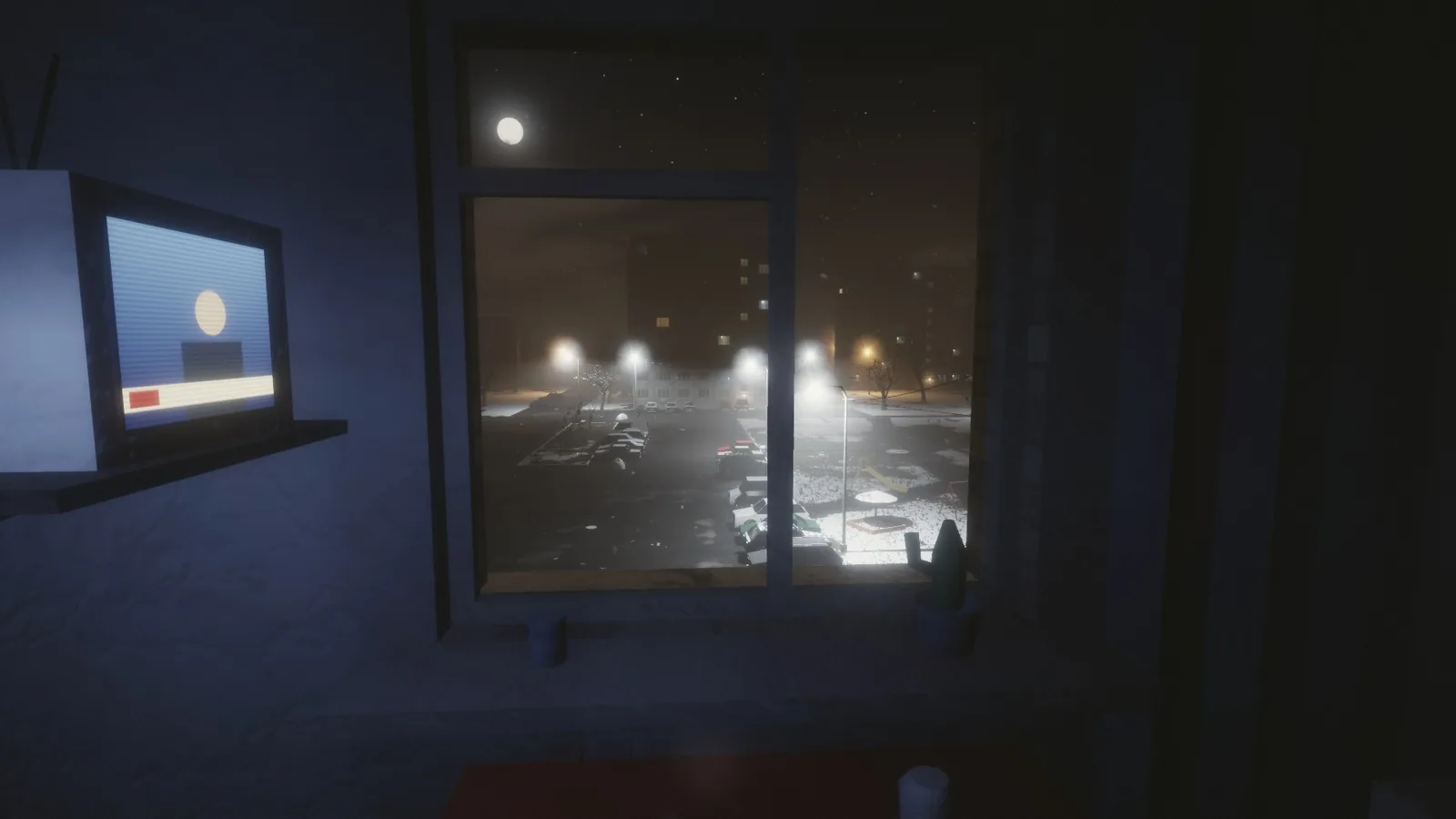
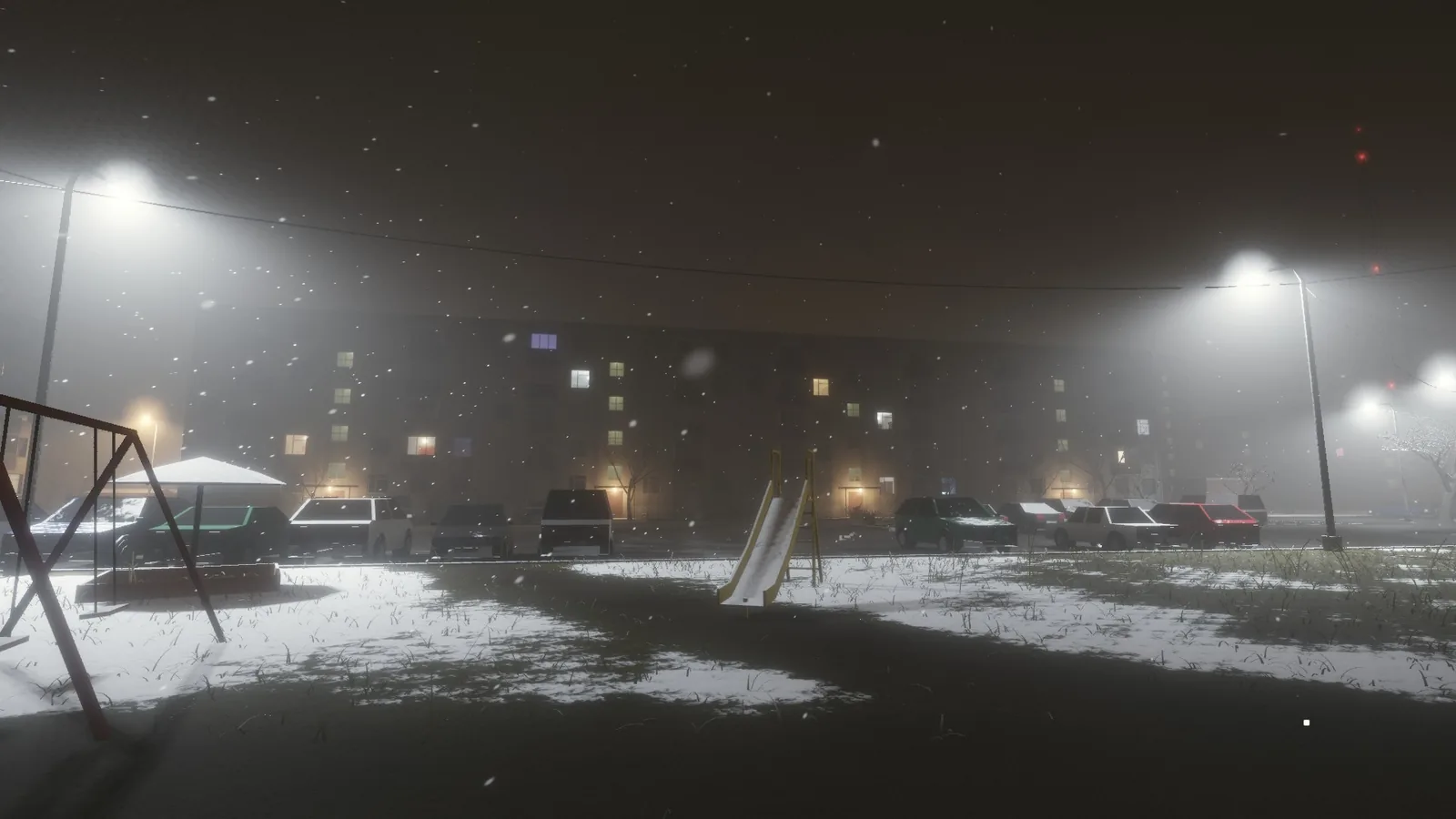
HTone is a night courtyard in late November. Open it in a WebGPU browser and start in a dark kitchen, looking through the window at snow, parked cars and a few lit flats. Then fly outside, across the yard and over the roofs.
I built the scene around a specific place: five-storey brick houses, nine-storey panel blocks, a playground, garages and a road beyond them. The initial reference was a set of photographs of post-Soviet courtyards. The result runs in one self-contained HTML file of about 480 KB. The photographs and videos shown here document the project; the live scene loads no image, model or sound assets.
What happens when you stay?
The weather has its own rhythm. Wind moves the trees, wires, swings and scraps of paper. Snowfall thickens, thins and sometimes turns into slow, large flakes. Light falls across wet asphalt and collects in the fog. One street lamp flickers.
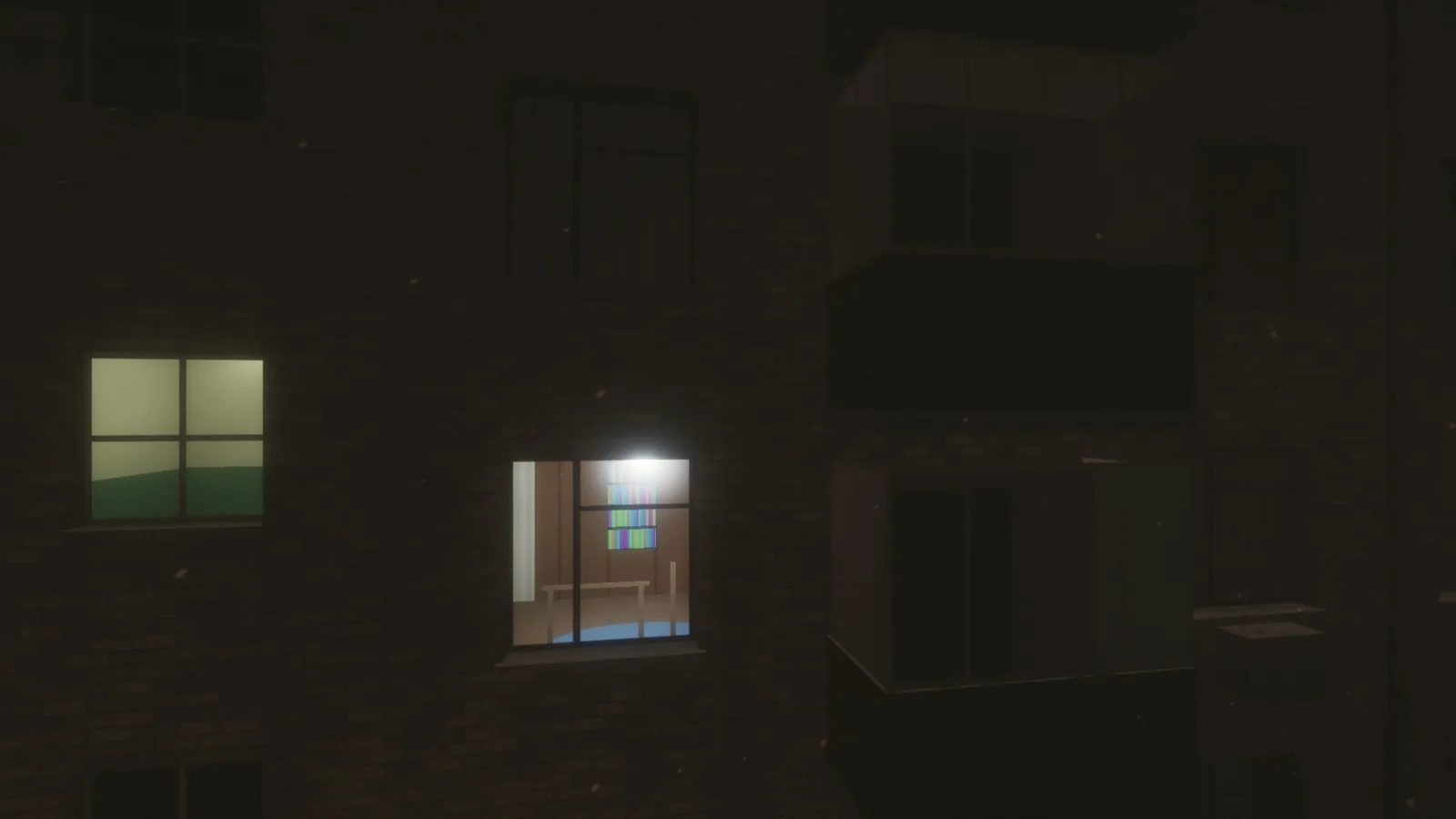
About 4,300 windows have procedural rooms behind them. Roughly one in thirteen is lit. Some lights switch on or off over time. From close range, a lit window can reveal curtains, wallpaper, a carpet, a bookcase or a television.
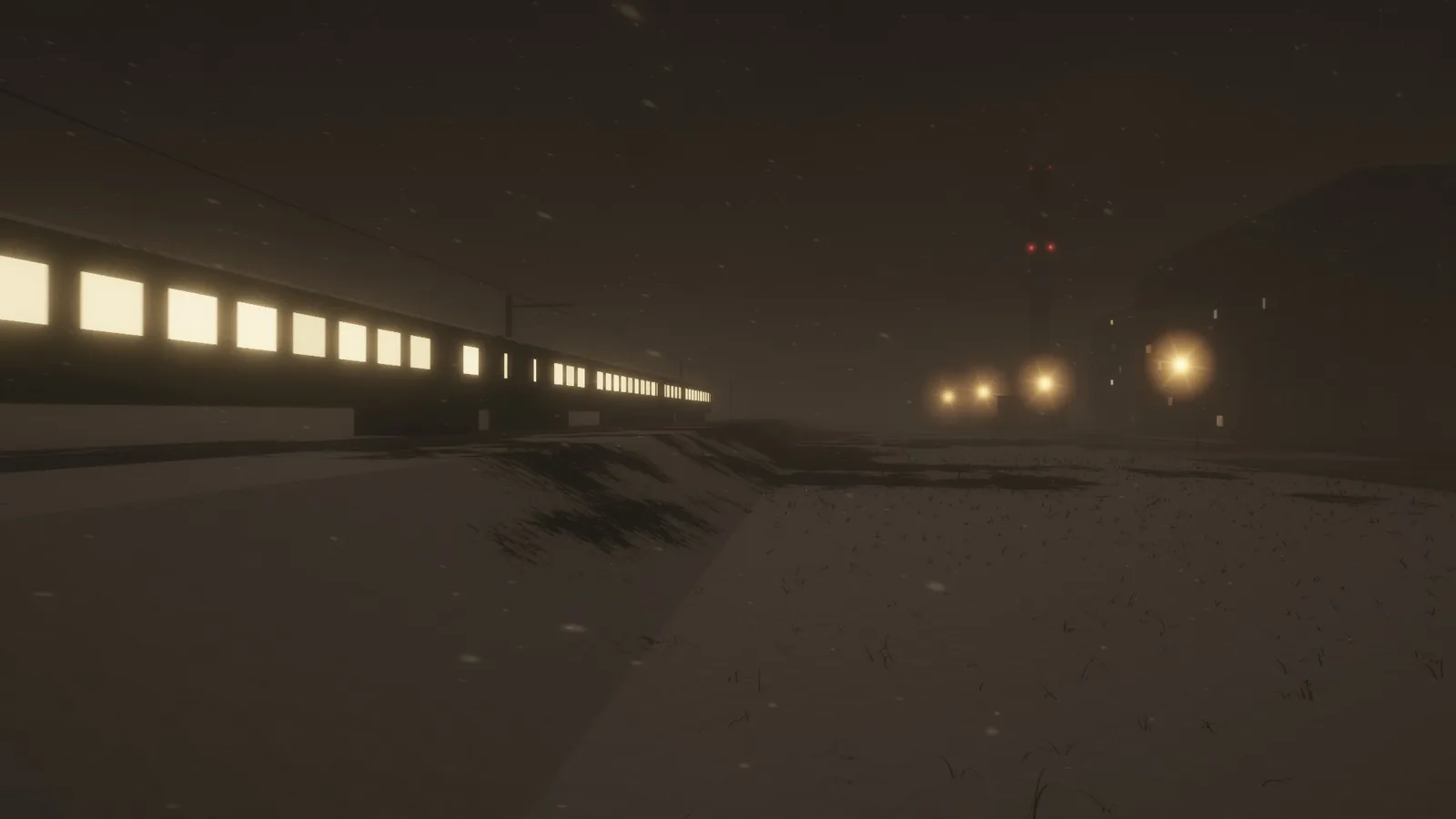
The yard also has a life beyond the camera. Cars and trams travel through town. People leave their entrances and follow paths to other doors. A train passes in the distance about every three and a half minutes, alternating between passenger and freight trains.
How is the scene drawn?
HTone draws directly with WebGPU, without a game engine or a 3D library. Geometry for buildings, cars, trees and small objects is assembled when the page loads. A shader traces views into imaginary rooms behind the windows. Snow, steam and lamp glare move on the GPU. Web Audio synthesizes the wind, train, traffic and apartment sounds.
You can walk through the apartment, use light switches, open doors and put the kettle on. The sound of the yard is muffled behind the kitchen glass. Outside, the camera can travel from the courtyard to the town, river, park and forest.
Explore HTone in your browser. It needs WebGPU. Use WASD and the mouse to fly, Q and E to change height, and keys 1-6 to jump between viewpoints. On a phone, hold to move forward and drag to turn.