Originally published at braginskyoleg.com.
The cost of miscommunication is quite high. It could be anything from non-accomplished project, lost opportunities or even conflicts within a team. With founder of School of Troubleshooter Oleg Braginsky and student Maksim Golub we will continue to walk over mechanics that make our interactions more efficient.
Now, it’s time to get another portion of principles. Here is a quick recap of what we’ve covered at Part 1.
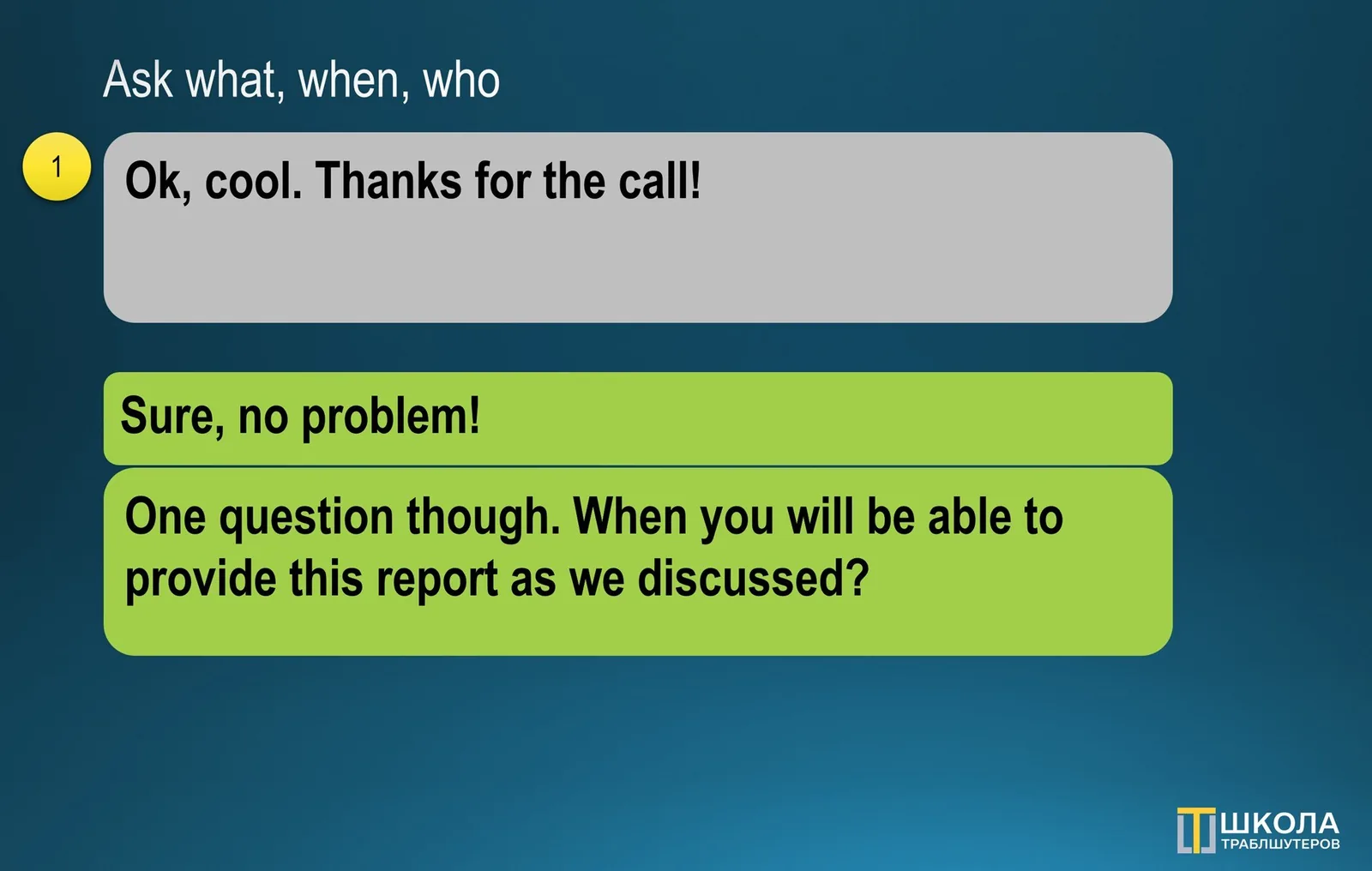
Ask what, when, who. Both transparency and predictability created, when you summarise the outcome of the discussion. For the first time it may seem as too much, even ridiculous, but over the time it could become a habit. These three parameters would set a good foundation for you and the rest of the team (1):
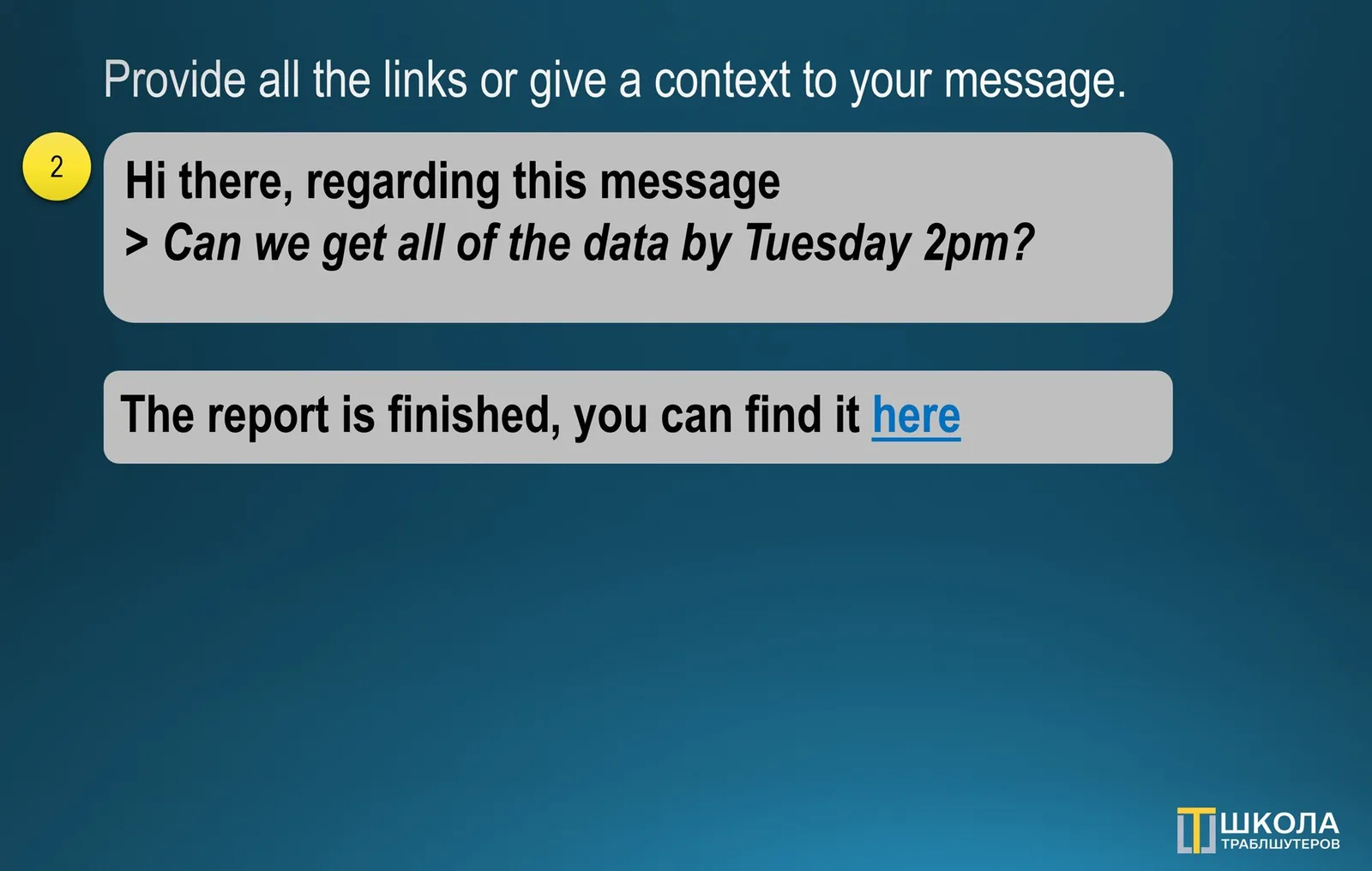
Provide all the links or give a context to your message. While quoting could be helpful, there might be cases where the source located somewhere else. Make sure to add all the links to them. Small hint: to make it easier for the recipient to read, make sure to embed an URL into the body of the message (2):
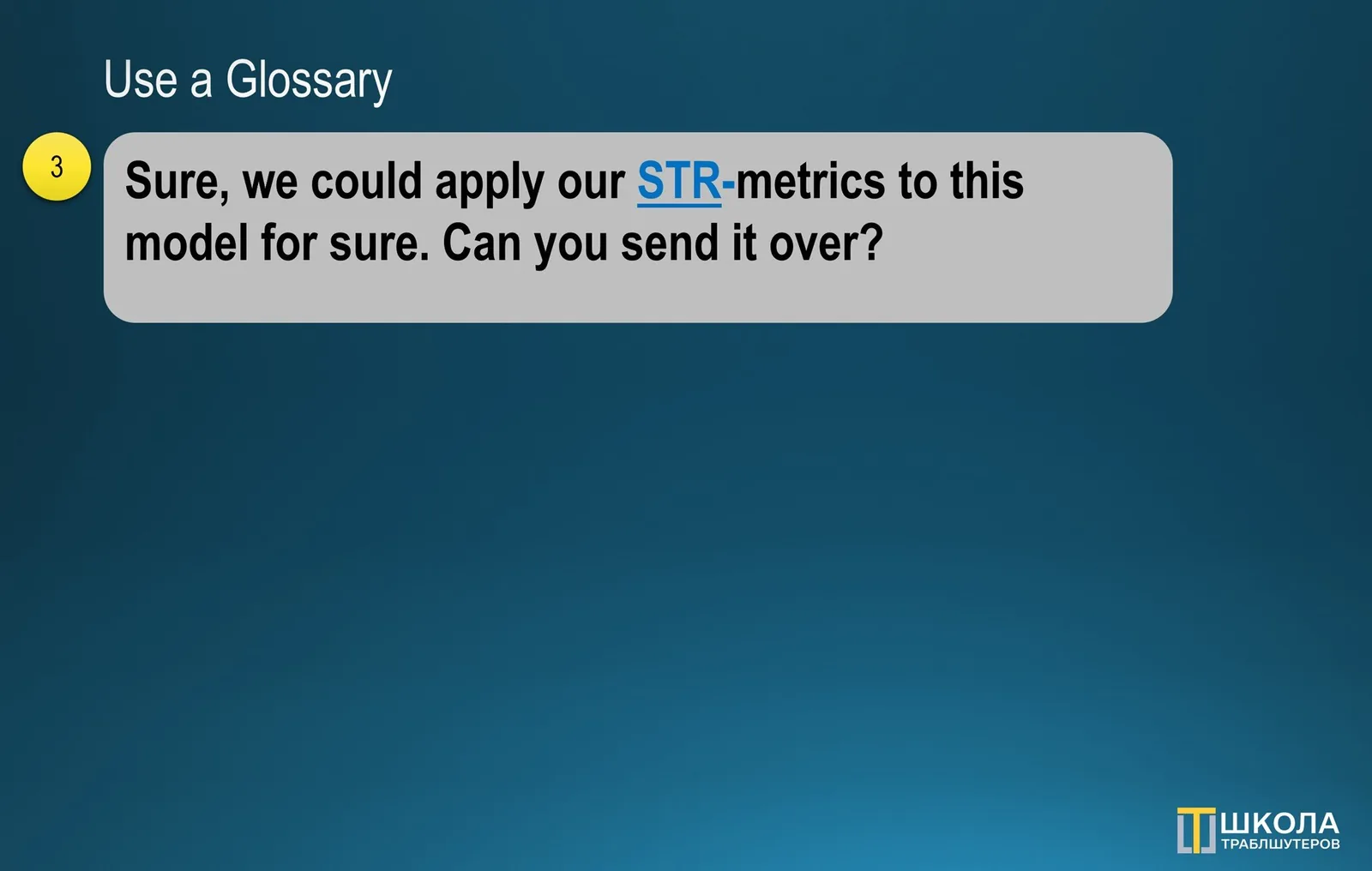
**Use a Glossary. **Even when you think all team, department or entire company speaks the same language it may not be a true. The best way would be to create glossary, place where all of the business-specific definitions will be held and confirmed by stakeholders. Build it, share and always keep it up to date (3):
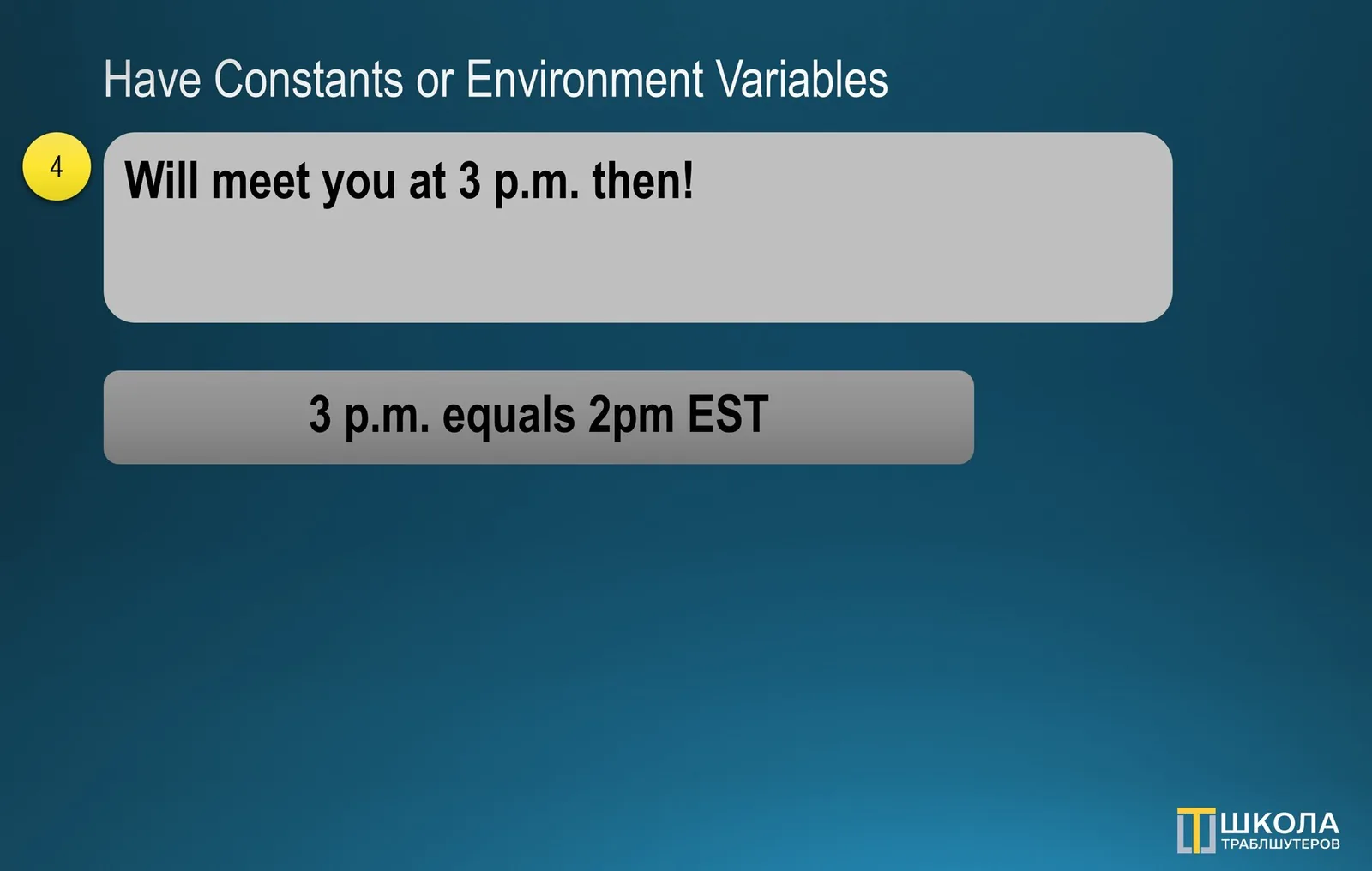
Have Constants or Environment Variables. As a nice addition reducing the “cost” of communication it might be a good idea to create some sort of variables. For example, which time-zone you’d refer to, what would be the main language in the team, what pattern should be used for naming files and folders etc. (4):
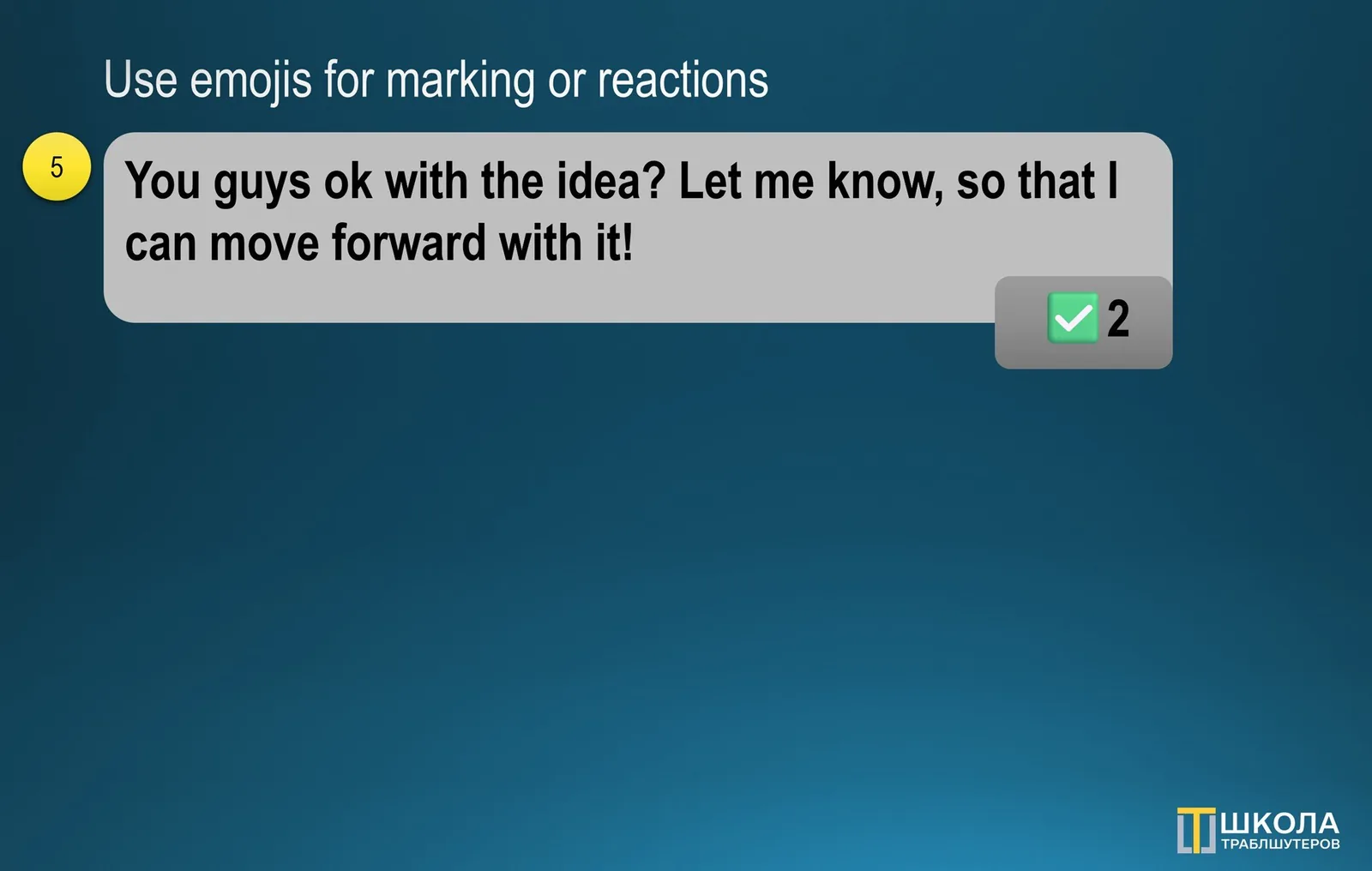
Use emojis for marking or reactions. But don’t replace the text with it. A little trick allowing communicate with words is using emojis to provide a reaction where the text explanatory is not much needed. Alternatively, you could apply them to mark different type of communication as resolved or pending (5):
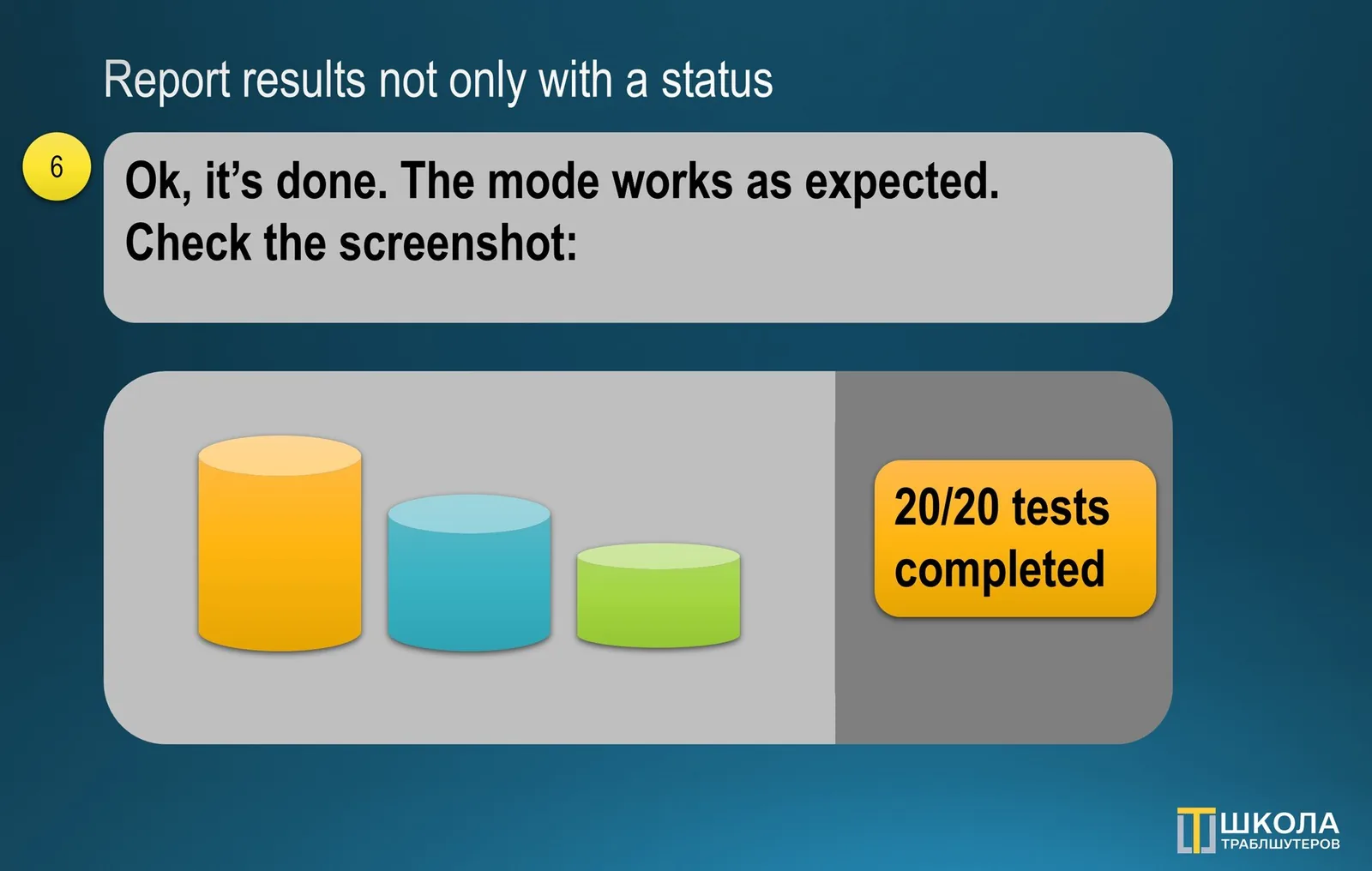
Report results not only with a status. But with the artefacts produced. When saying “Done”, it helps to share the output. Let another person to see what was accomplished, see how it looks and if needed, pass it someone down the line. It also reduces the number of questions as it is clear of what was achieved (6):
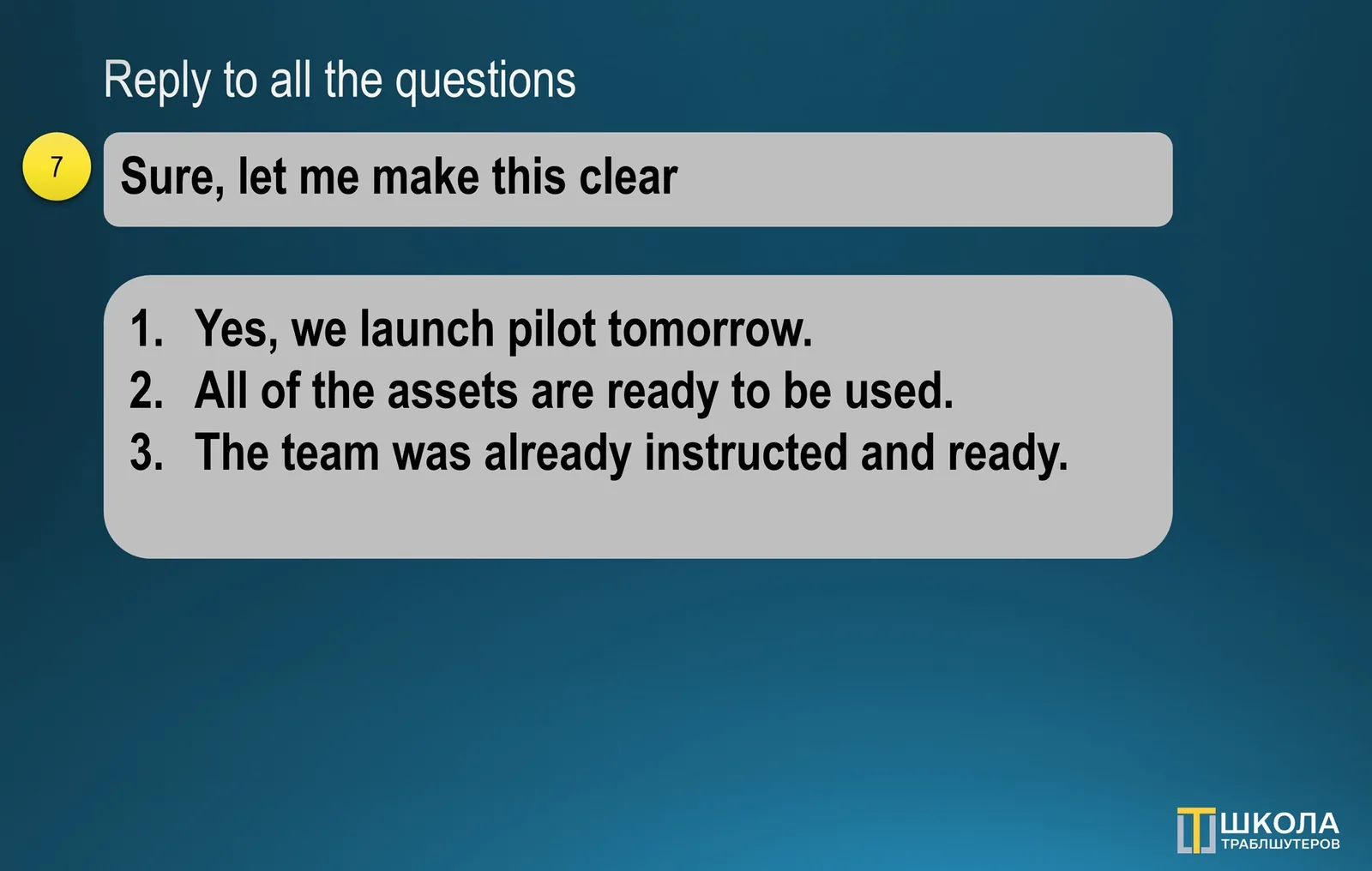
Reply to all the questions. Don’t leave any stones un-turned. When someone tells you something, decompose it to multiple things, extract main points, reply to them systematically. Make sure to follow the discussion line, don’t overwhelm them with numbered list or quotes, so definitely take it easy (7):
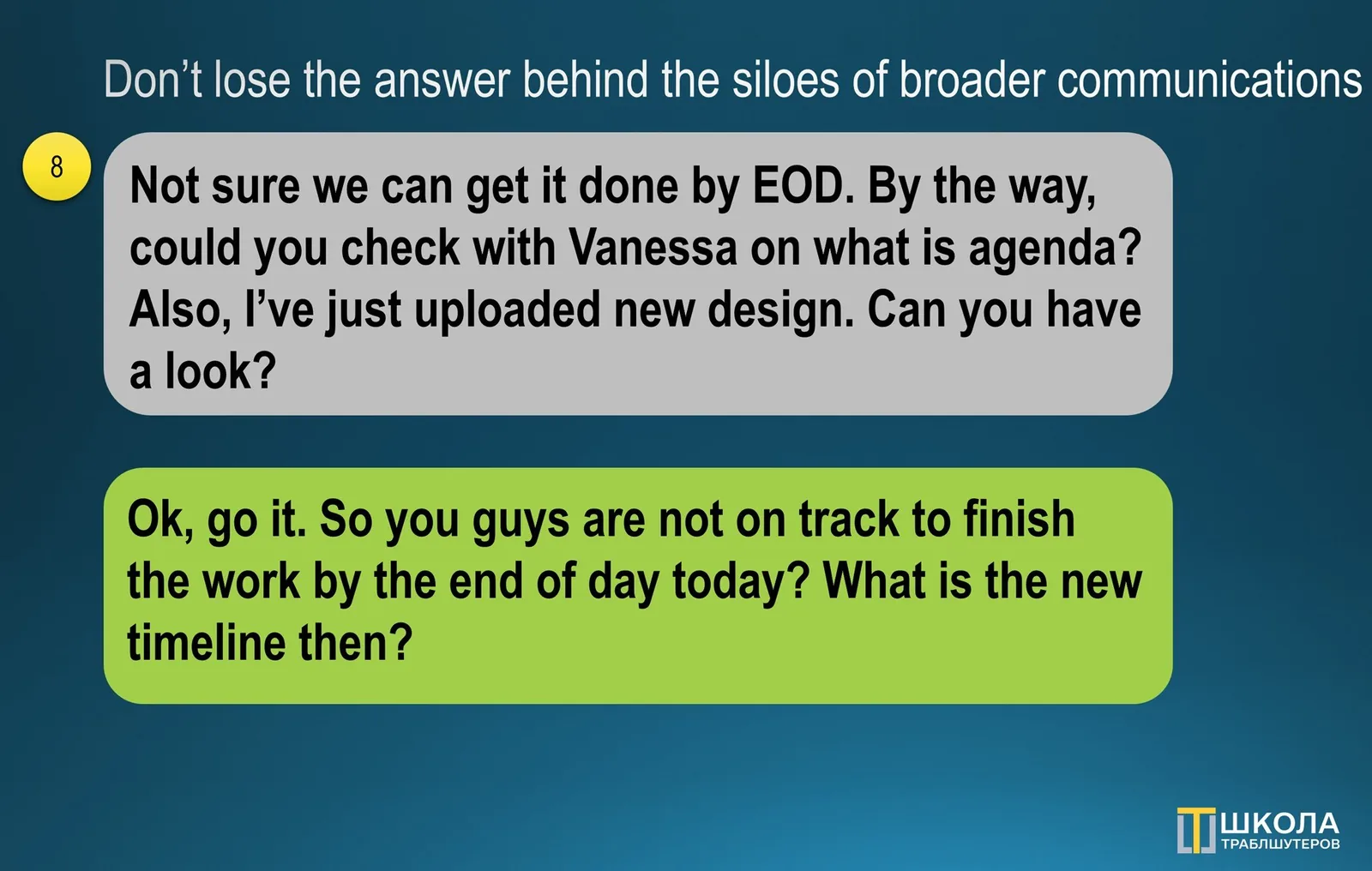
Don’t lose the answer behind the siloes of broader communications. You can receive a portion of information whether it is intentionally or not. Focus on getting the answer first. The flow may go back and forth, don not let it slip aways because of the change of the topic. Always get what you requested for (8):
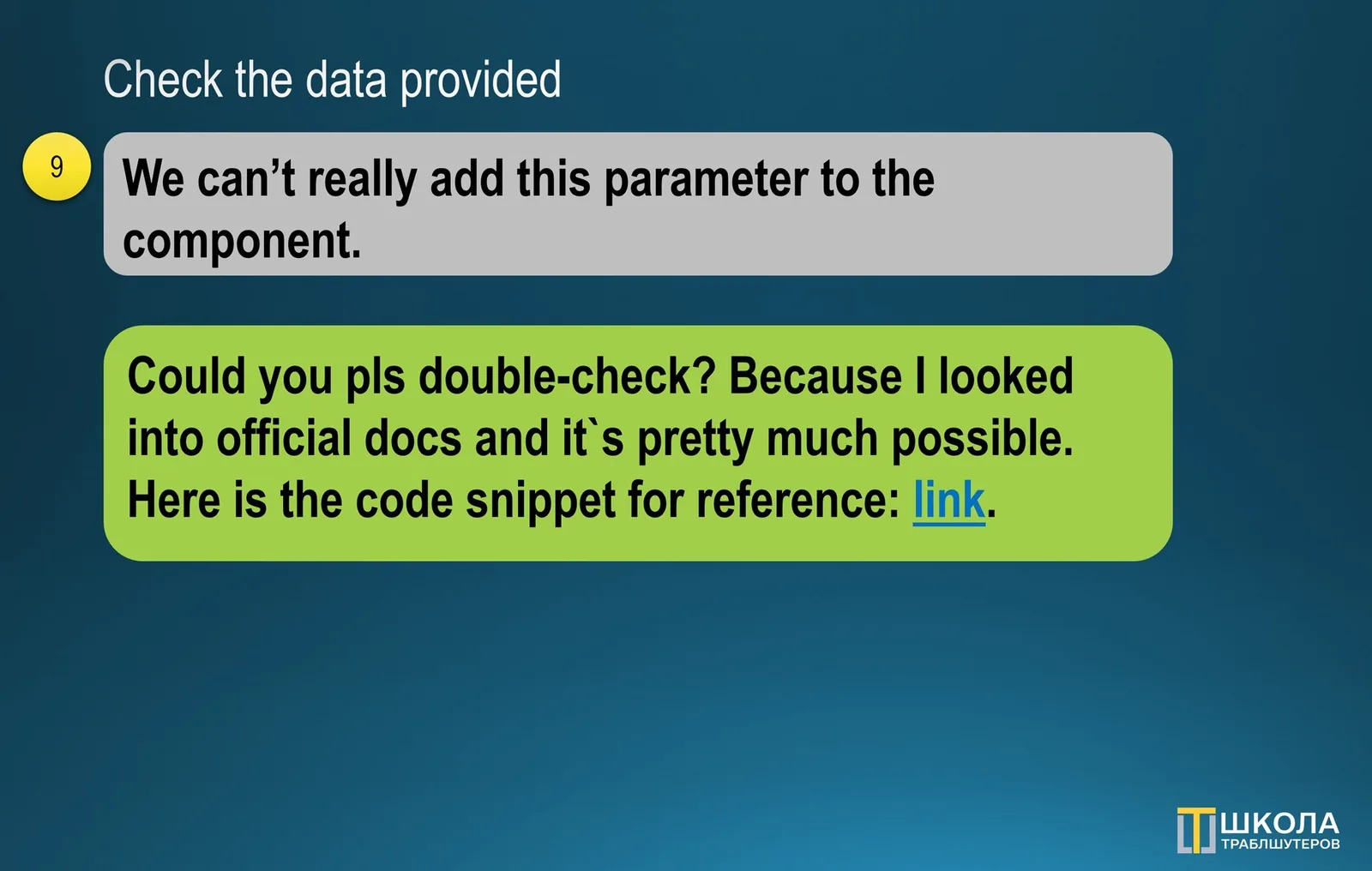
Check the data provided. When you get a piece of information, don’t trust the judgement of someone else, see it yourself. If it is an analysis, get an access to the SQL query or database, yes, it‘s ok to it in read-only mode. See the report, charts, original replies, emails, files, snippets of code. Have zero trust (9):
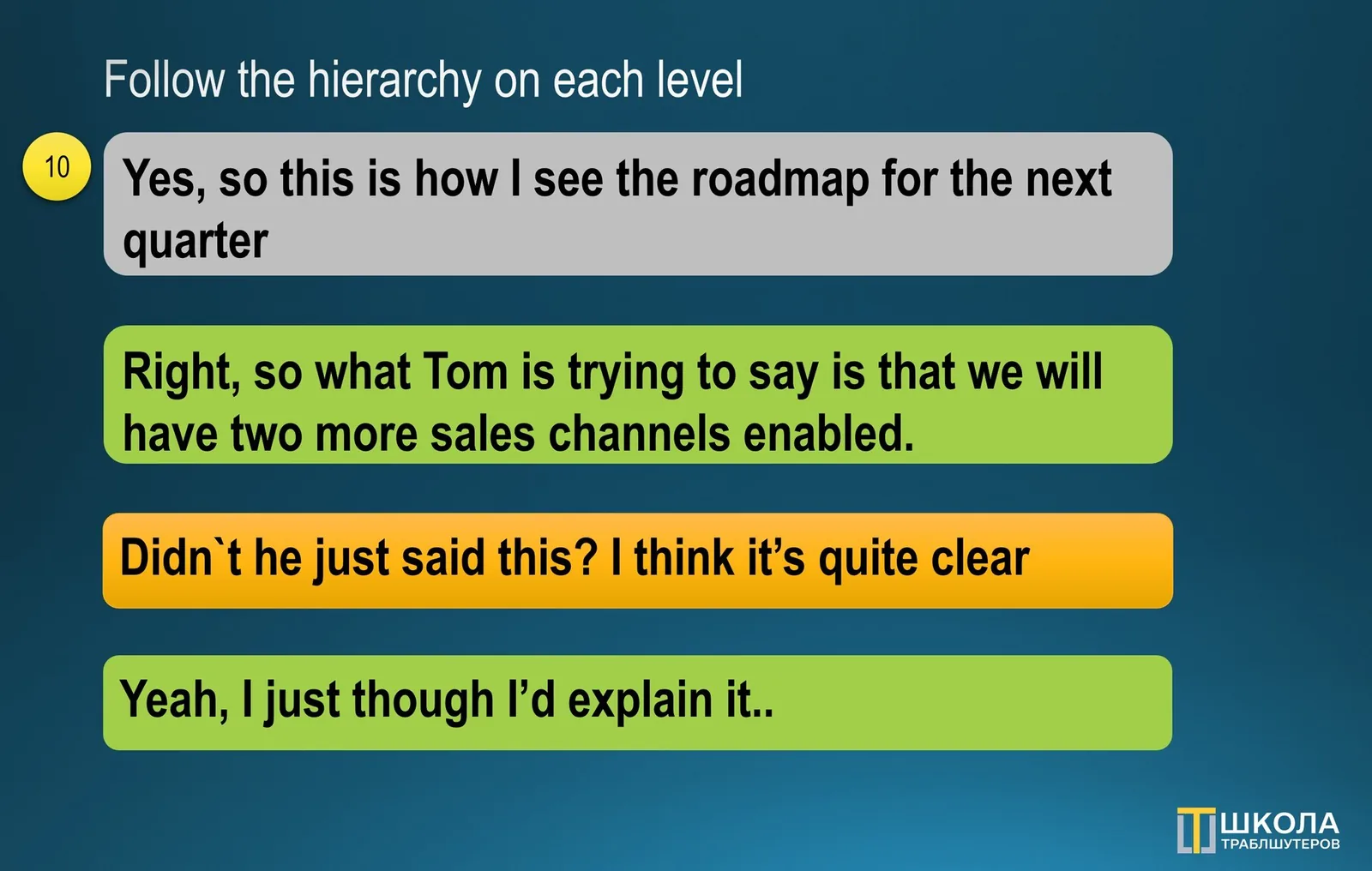
Follow the hierarchy on each level. When your team member is engaged into conversation, do not play important guy and jump in. Let them own this part. Step in when there is a need for you to act. Follow the same rule with those above you, speak when you’ve been asked to, unless it’s a mission critical (10):
**Put a new information into Wiki. **Save time by putting canned responses or piece of knowledge that might be used by others into a shared knowledge base. Next time when the question arises, just find it and send the link. Assign a gatekeeper who will help with collecting and grooming it, encourage re-usage (11):
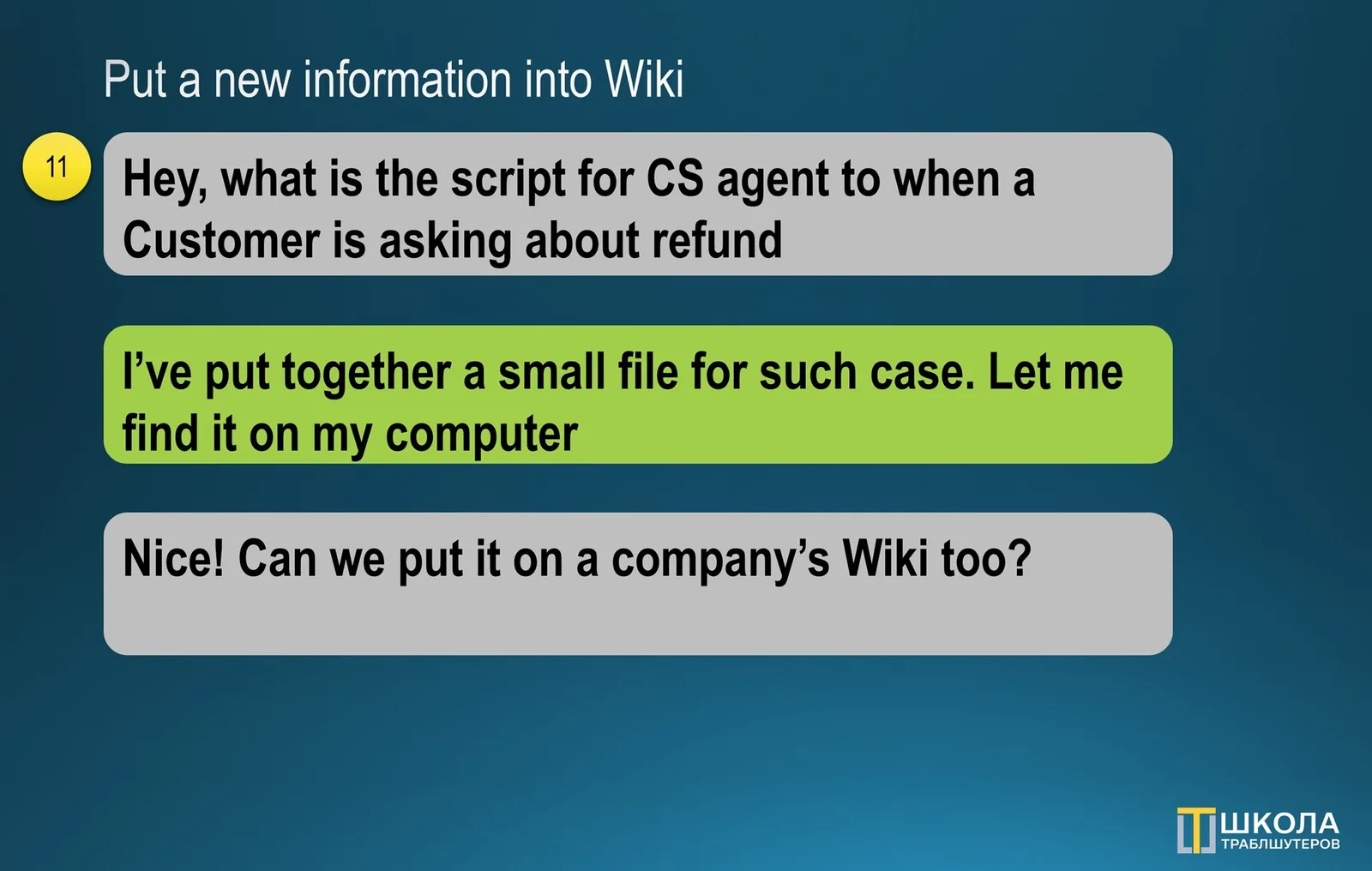
Clarify till you get to the bottom of it. When the data isn’t sufficient, make sure to ask questions, even if they not convenient. Yes, you don’t want to be a blocker, but you also want to show that you will make an educated decision. Hence, review the answers thoughtfully, so that you know yours “why” and “how” (12):
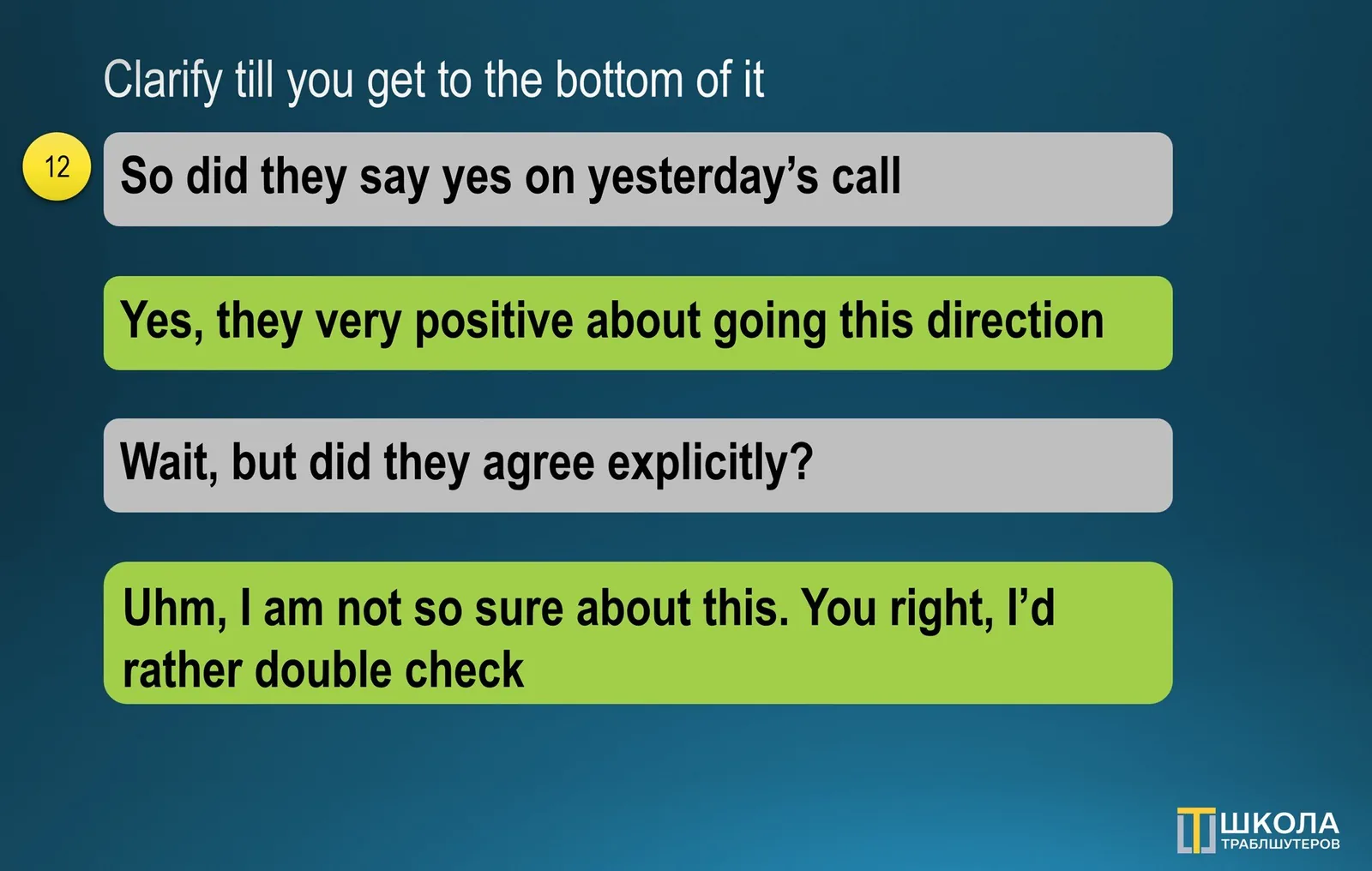
**Take ownership. **If you see that there is a problem, no matter what is your position in the hierarchy, take an ownership decisively. Imagine this is your business, how would you feel people chatting and having endless meeting without moving a need to a single inch? Think as the person who pays to everyone (13):
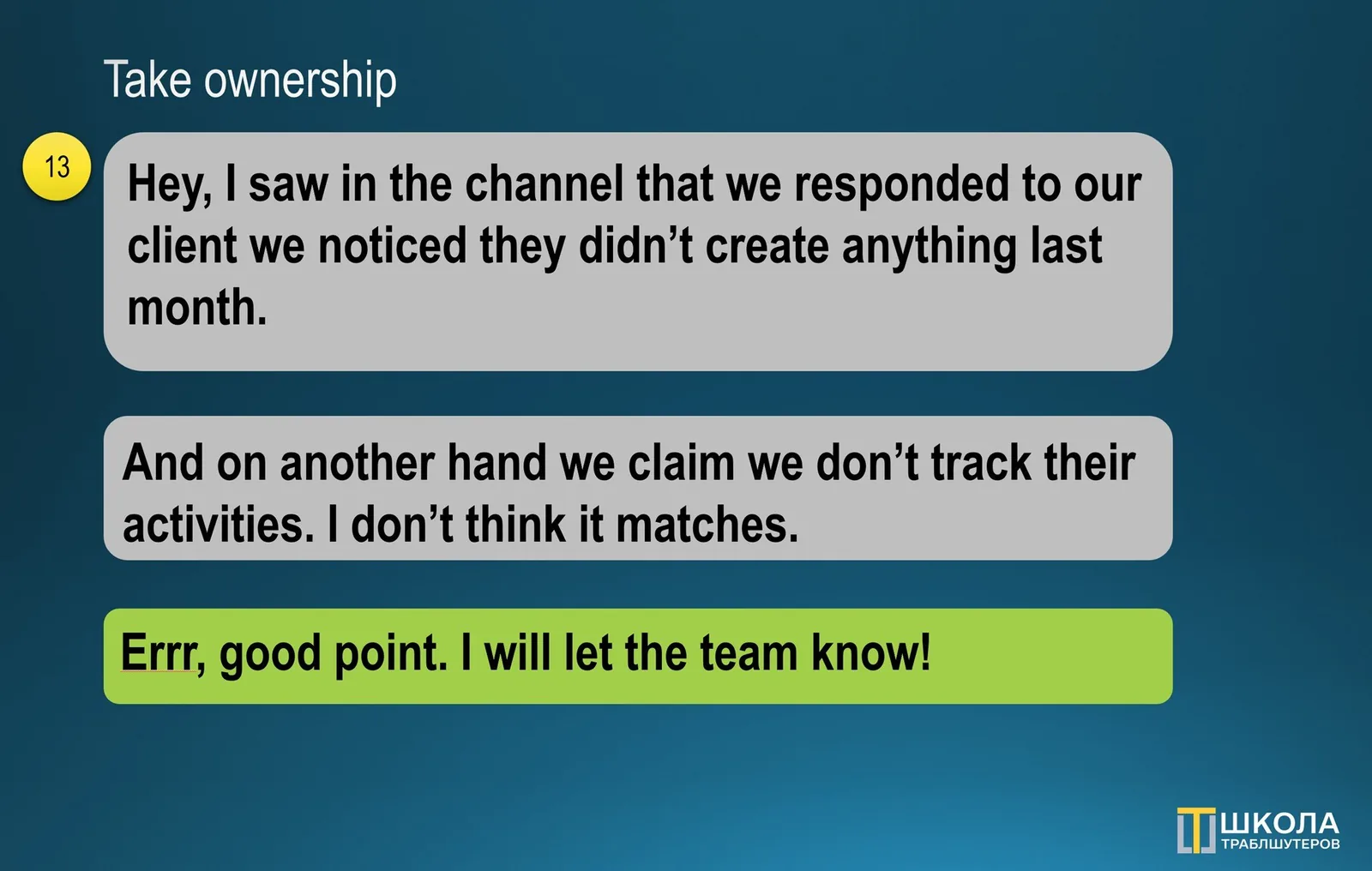
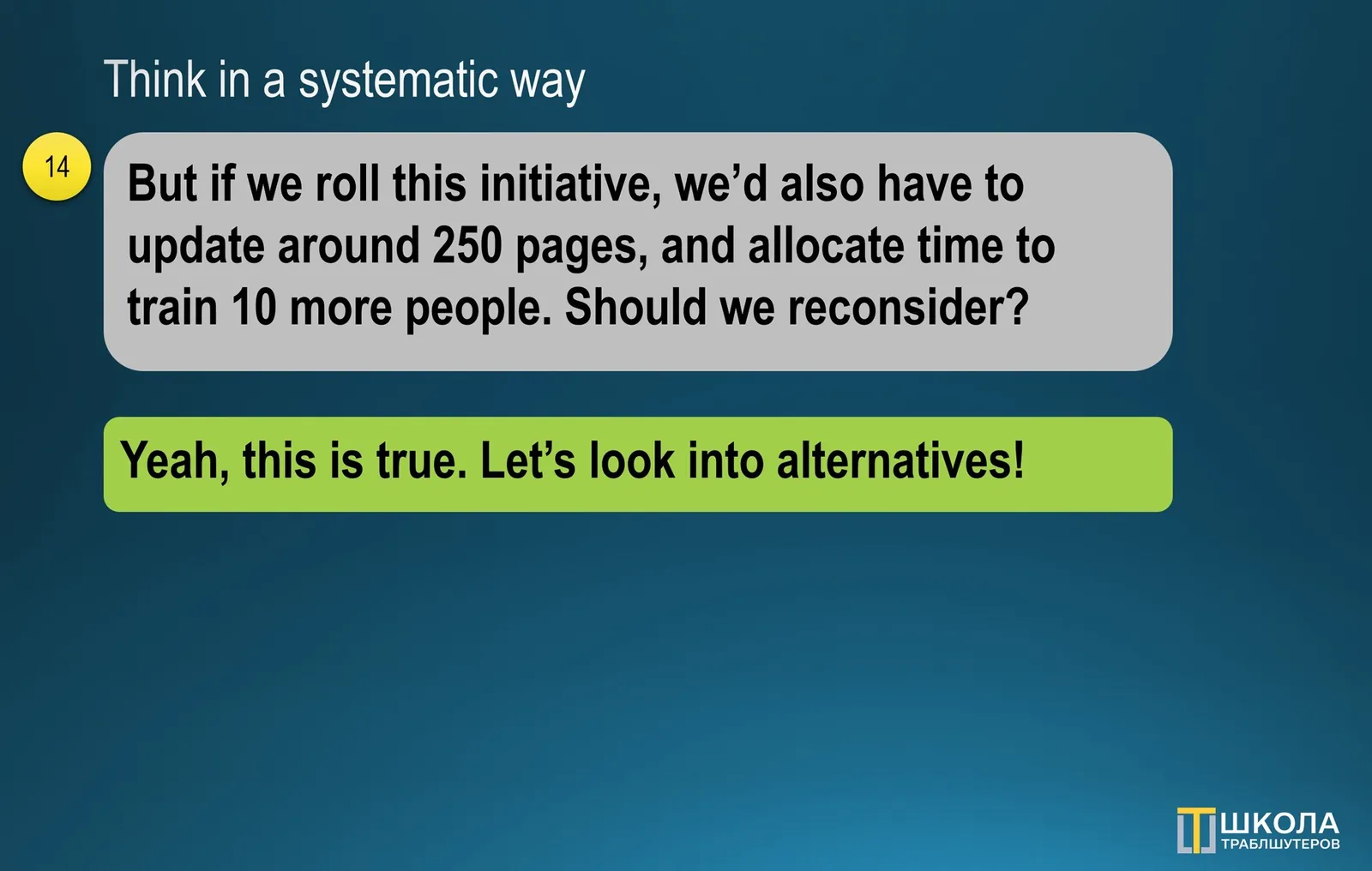
Think in a systematic way. Small agreements lead to unseen work. If there is a task at hand, think which parts it may affect. Consider people, teams and process involved. E.g., if you’ve been asked to rename user roles, think of updating other parts of the application, FAQ’s informing marketing or sales people (14):
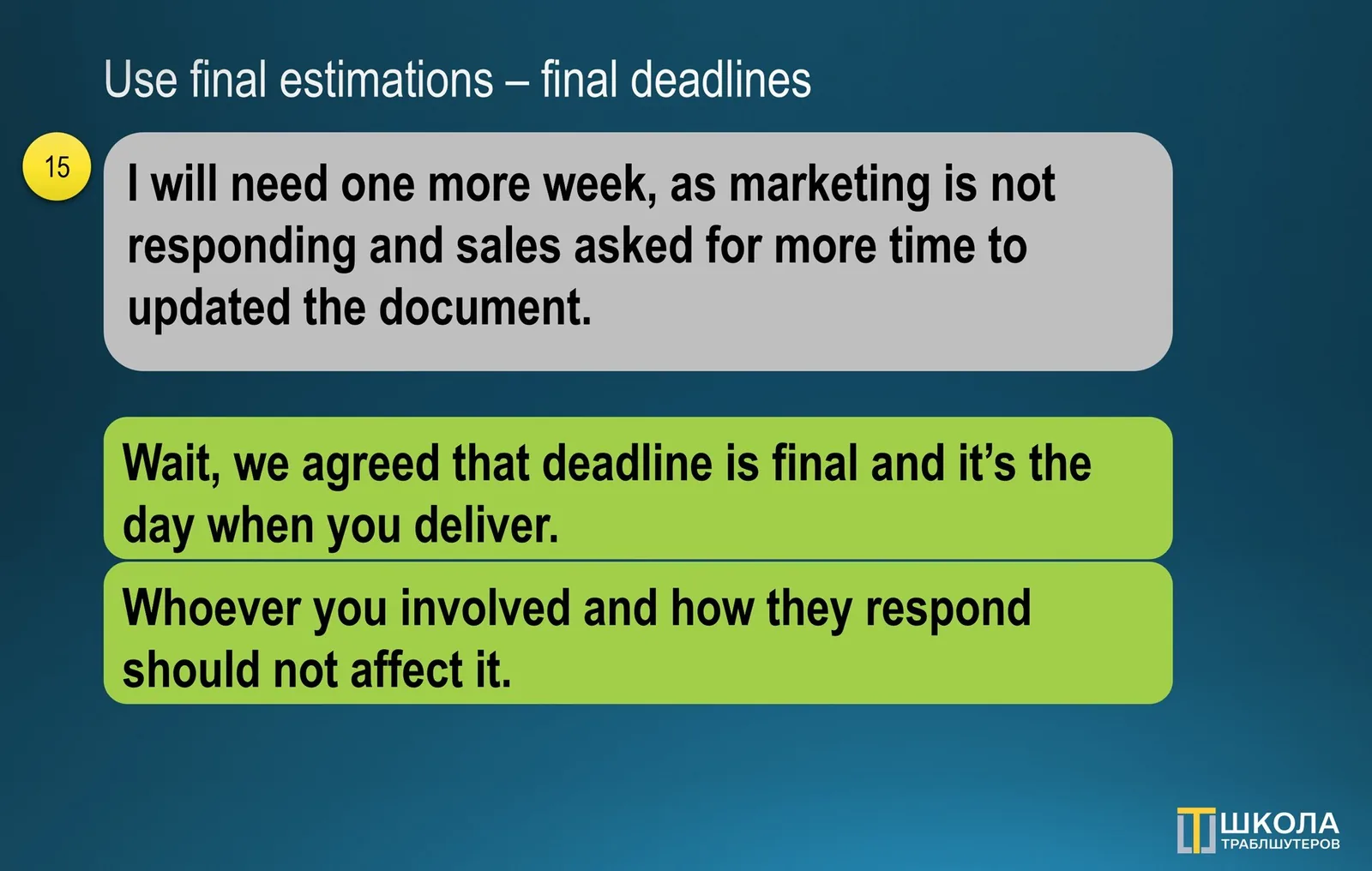
Use final estimations: final deadlines approach. This one was brilliantly formulated of CEO of my current company. When there is a deadline you communicated, it’s set. Doesn’t matter which work it includes. If anyone is delaying their part, it isn’t their problem, as you are the one who should deliver (15):
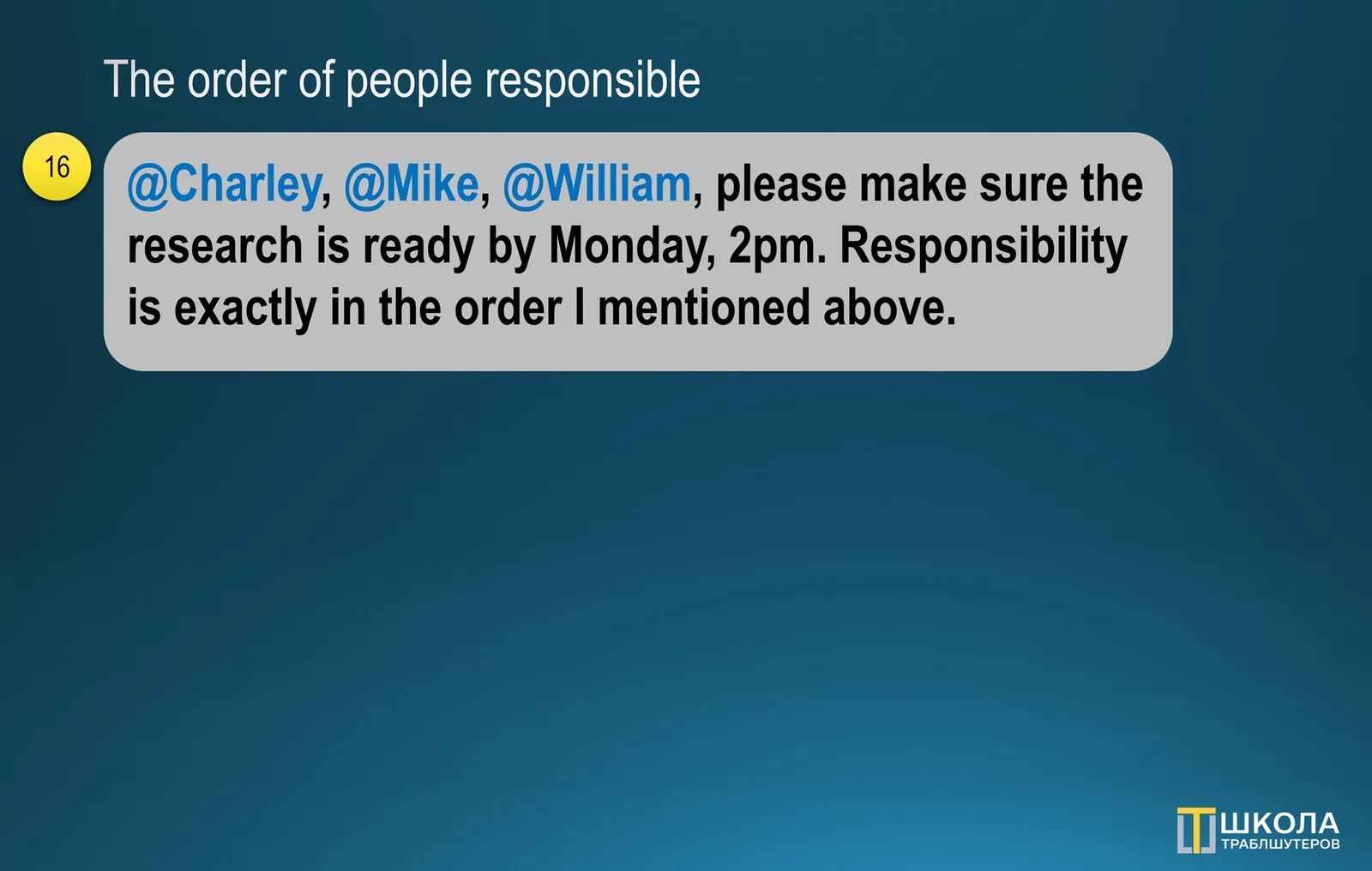
The order of people responsible. Second great example that I “stole”. When asking or assigning something to the group of multiple people, the responsible person will be the one, who is going first. This will help to set the right expectations from both sides and act accordingly, without jumping a gun (16):
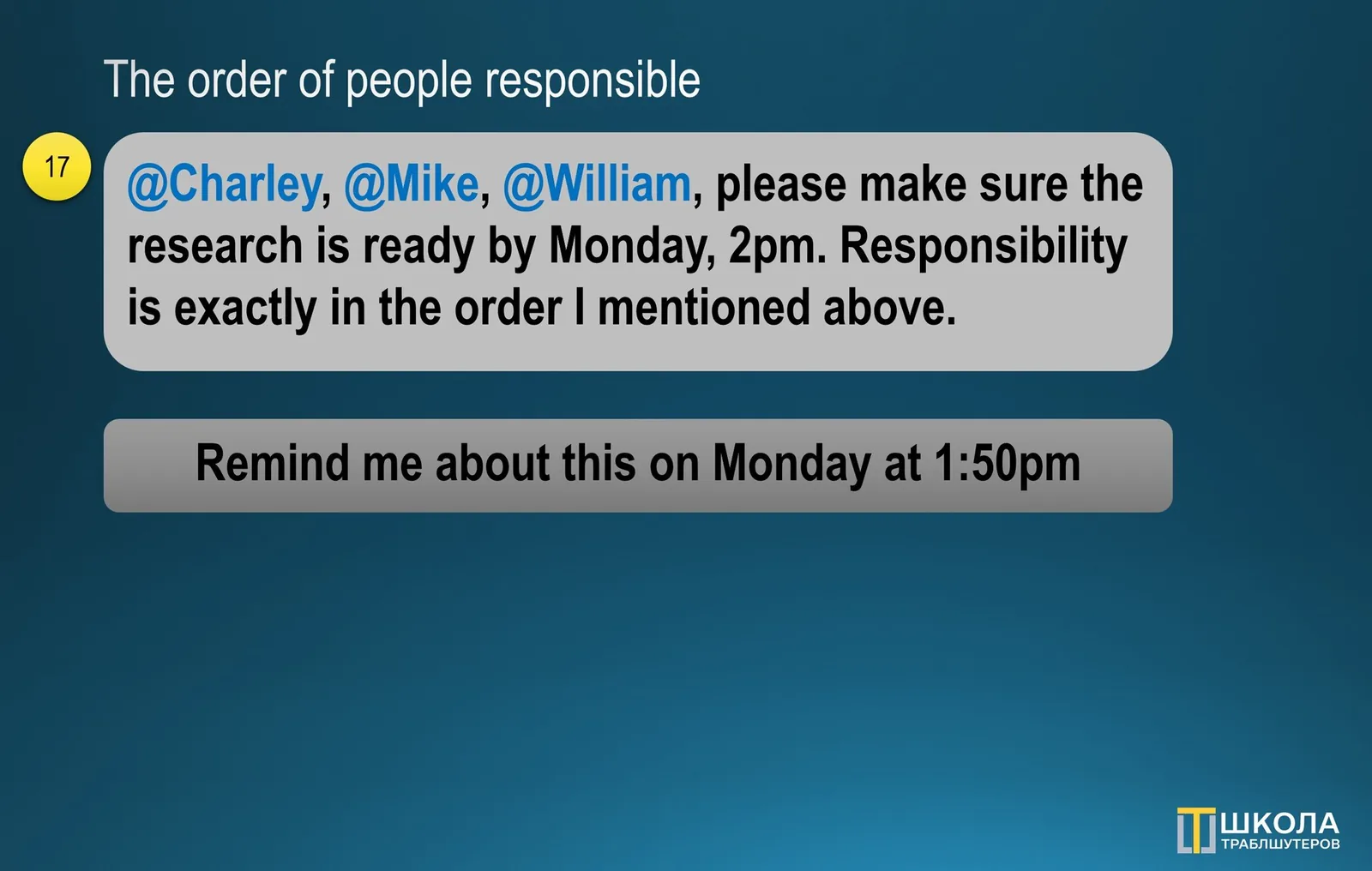
Use follow-ups and reminders to yourself. Regardless of the system you have in place, add the notes to ask people again or check the status. It is not fully competent to do so, but you need to be the one who is holding them accountable. Find a good balance, you need to manage people, not baby-seat them (17):
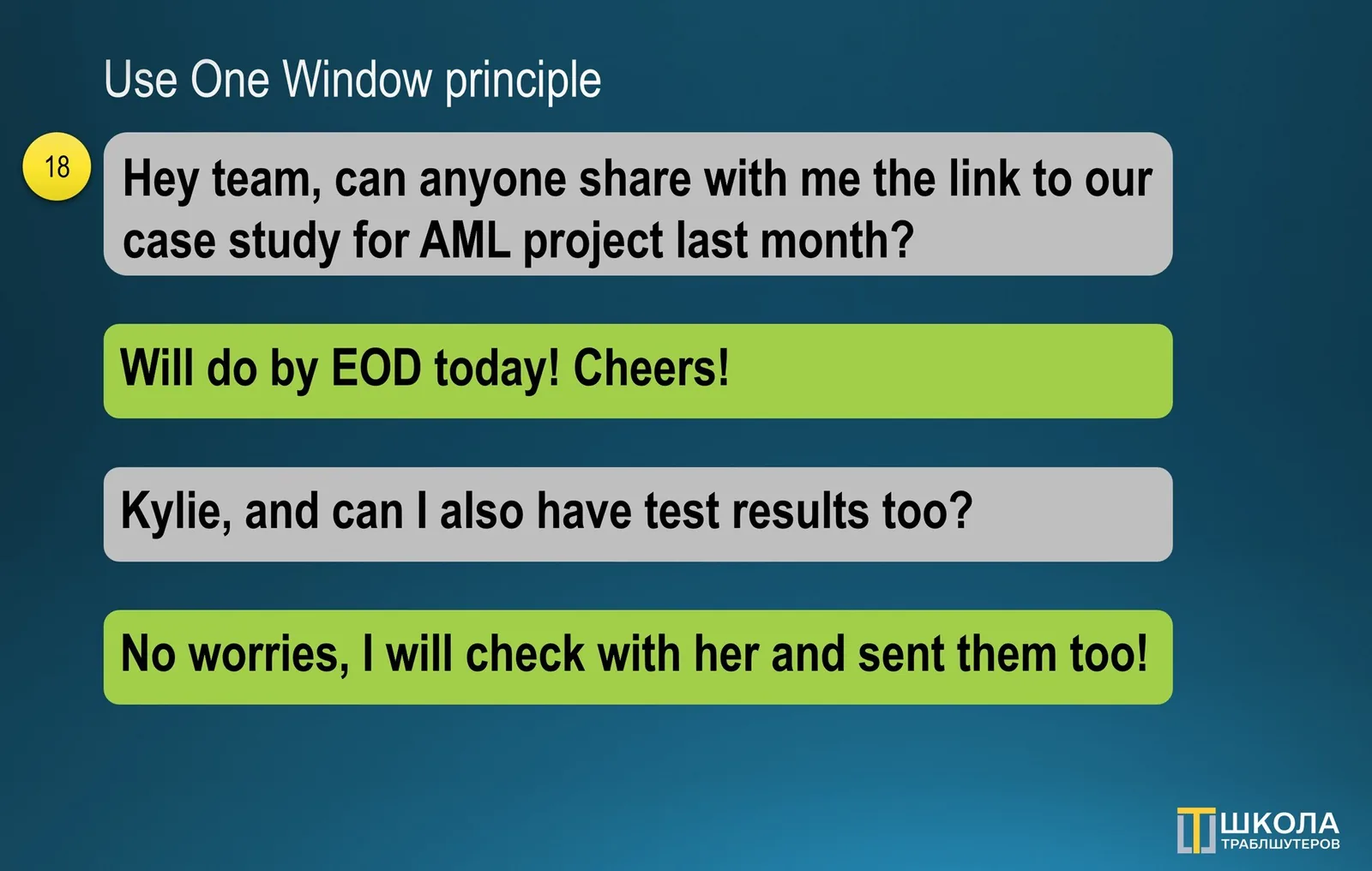
**Use One Window principle. **When there are two groups engaged, set peer-to-peer communication, do not allow separate conversations emerge. Otherwise, information will be flowing around in uncontrolled way, agreements won’t be fixed, deadlines won’t be met. Use one input and output destination firmly (18):
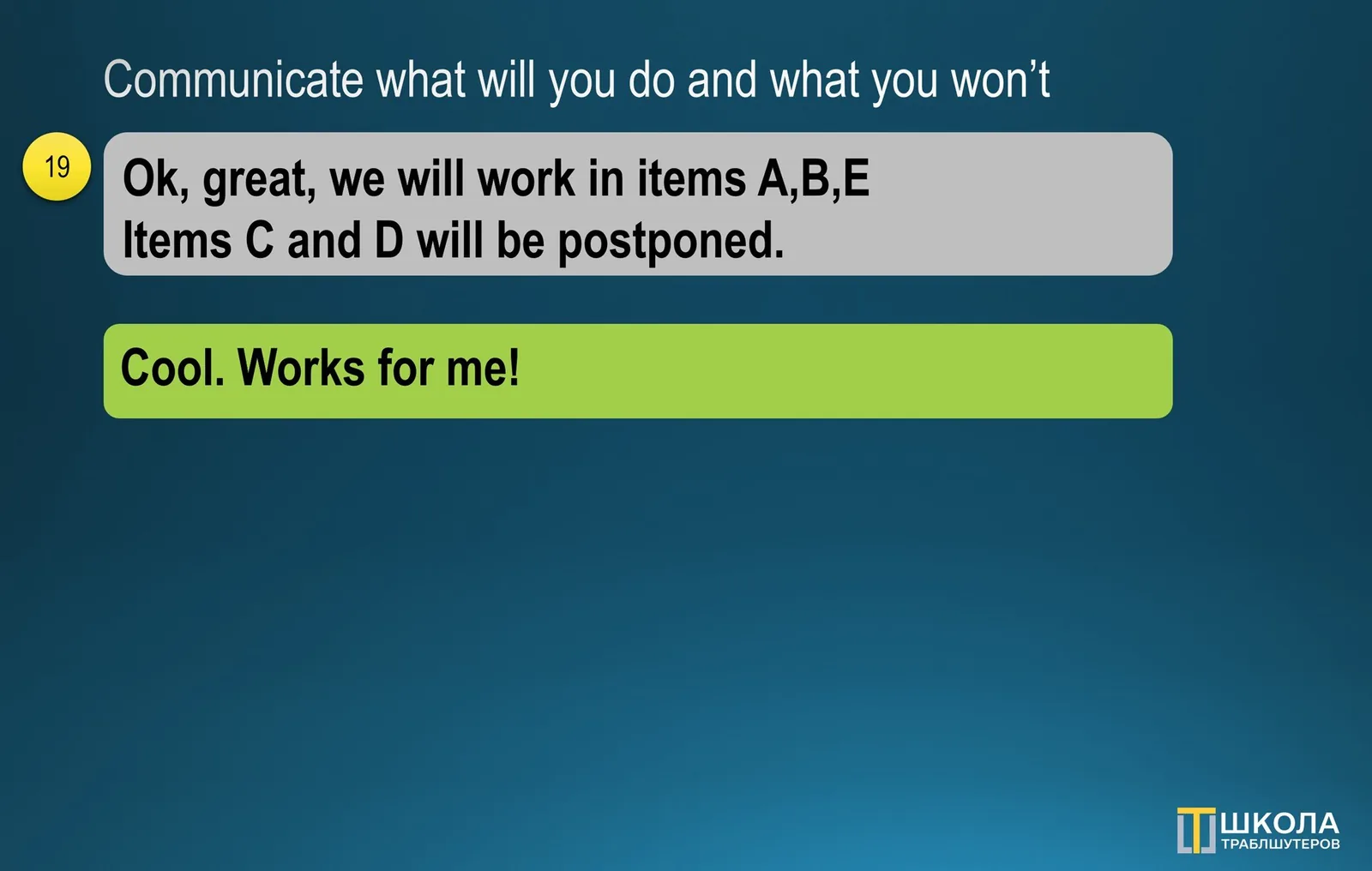
Communicate what you will you do and what you won’t. In your summary list all next steps, that you are going to proceed with. If there are things that you think neither clear nor will be working on, list them explicitly. There is a good saying: “Business is not only what we do, but it is also what we do not” (19):
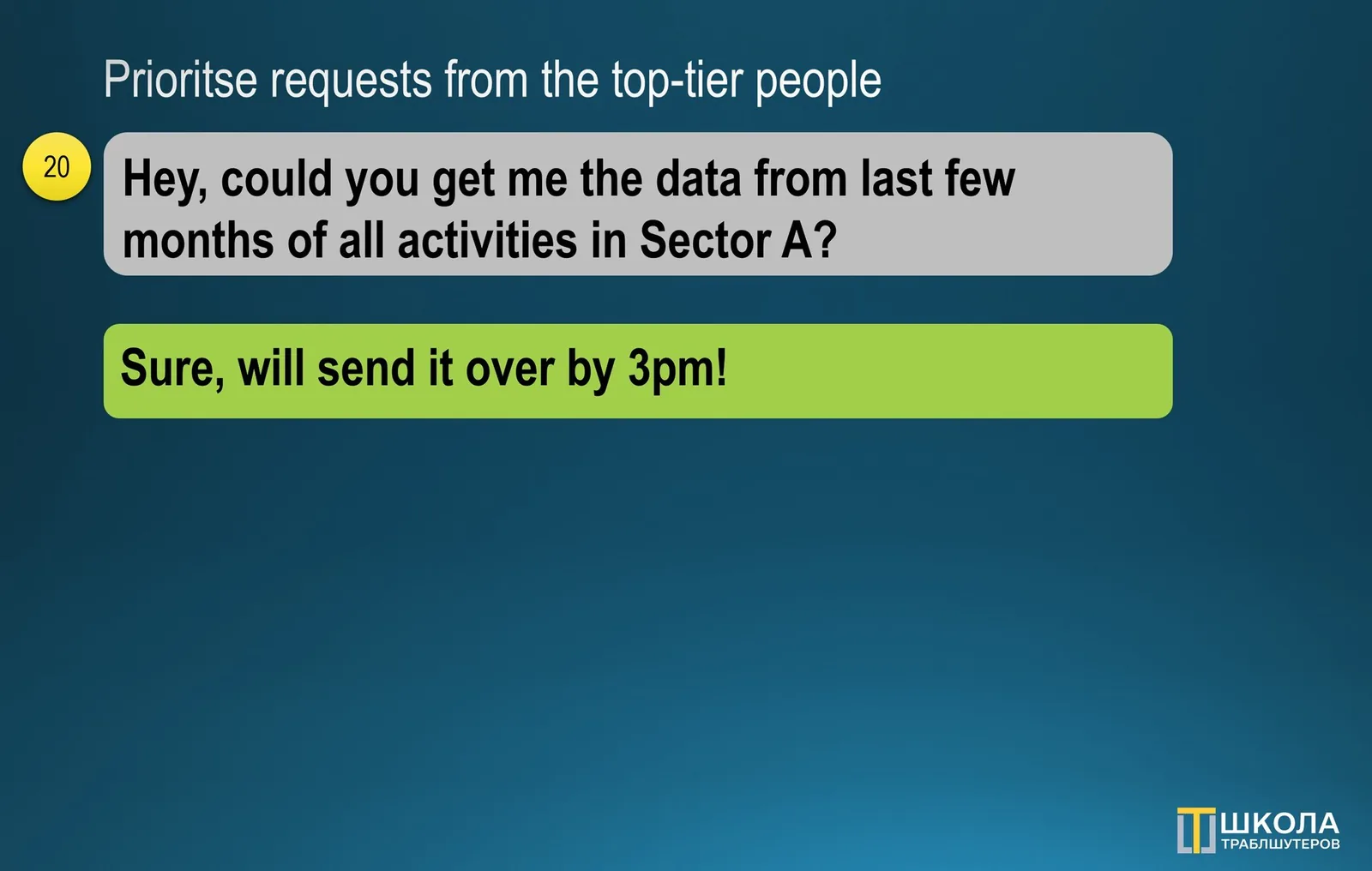
Prioritse requests from the top-tier people. Think about this: the one who is above you may have more context or working on something bigger. If the organization is healthy, it should be this way. Hence, make requests from those above you as your number one priority in terms of both attention and execution (20):